How to publish an app on the App Store in 2026
Every step to publish an app on the App Store: developer account, bundle ID, build upload, TestFlight, privacy details, App Review and common rejections.
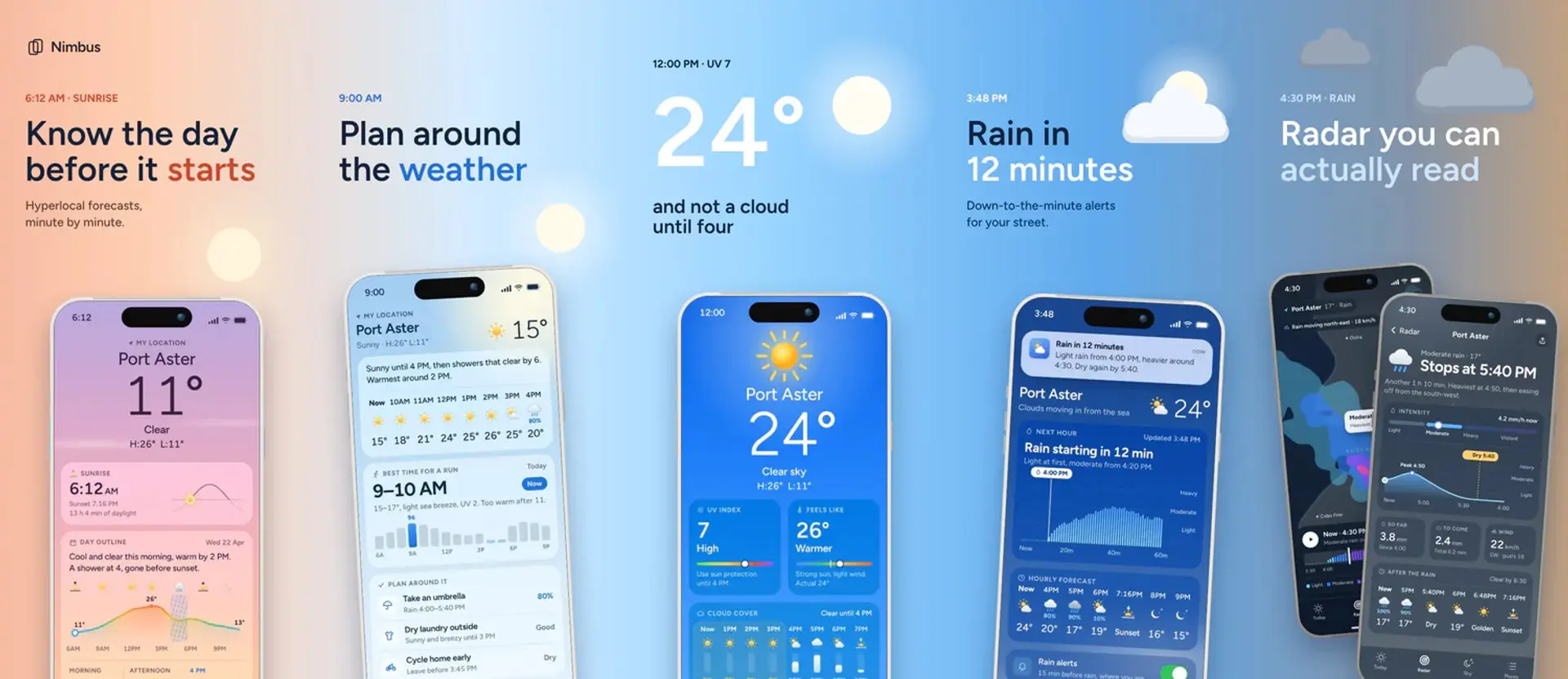
Publishing an app on the App Store takes 12 steps, and most of them happen in App Store Connect:
- Join the Apple Developer Program, at 99 USD a year.
- Register a bundle ID.
- Create the app record in App Store Connect.
- Add the app icon in Xcode.
- Archive the app and upload the build.
- Test it with TestFlight.
- Write the metadata.
- Upload screenshots.
- Answer the privacy questions and add a privacy policy URL.
- Set the age rating, price and EU trader status.
- Submit it for review.
- Release it.
The details below come from Apple's own pages, checked in November 2026.
1. Join the Apple Developer Program
A free Apple account lets you run an app on your own devices from Xcode, with limits: 3 devices, and profiles that expire after 7 days. App Store Connect, TestFlight and the App Store need the paid program.
Apple's enrollment page lists it at 99 USD per membership year. Prices vary by region. Nonprofits, accredited schools and government entities that meet certain requirements can request a fee waiver.
You enroll in one of two ways, and the choice decides whose name the public sees:
- Individual. You need an Apple Account with two-factor authentication and your legal name on it. Your legal name appears as the seller on the App Store.
- Organization. You also need a D-U-N-S Number, the authority to bind the company to agreements, an email on its domain and a working public website. DBAs and trade names don't qualify. The company's name appears as the seller.
Apple doesn't publish a total enrollment time. If you've paid and have no confirmation after 24 hours, it asks you to contact support.
2. Register a bundle ID
A bundle ID identifies one app across Apple's systems. It's typically written in reverse-DNS style, like com.pocketleaf.budget.
In Certificates, Identifiers & Profiles, go to Identifiers, click the add button and choose App IDs. Enter the ID as an explicit App ID, tick the capabilities your app uses, then register it. It must match the bundle ID in your Xcode project. Choose carefully, because you can't change it after you upload a build.
3. Create the app record
In App Store Connect, open Apps and add a new app. The dialog asks for platforms, name, primary language, bundle ID, SKU and user access. The name runs 2 to 30 characters and works for one app per localization, so yours may already be taken. The SKU is an internal ID customers never see, and you can't change it later.
You need the Account Holder, Admin or App Manager role, and the Account Holder must have signed the latest agreement in the Business section.
4. Add the app icon
You don't upload the icon to App Store Connect. It ships inside your build, so add it in Xcode first. For iPhone and iPad that's one 1024 × 1024 image with no transparency. Changing it after you publish takes a new version. Our app icon size guide has the rest.
5. Archive and upload the build
Apple's requirements page sets today's floor for uploads. Build with Xcode 26 or later using a 26 SDK, and for iOS and iPadOS, target iOS 13 or later. Apple's submission page says that rises in April 2027, to the iOS & iPadOS 27 SDK or later and a target of iOS 15 or later.
In Xcode, choose a scheme and run destination, then Product > Archive. In the Organizer, click Distribute App and pick TestFlight & App Store, which signs and uploads the build. Apple also accepts uploads from Transporter, altool, Swift Playground, the App Store Connect API and Xcode Cloud. You get an email when Apple finishes processing the build.
Sort out two things before you upload:
- Encryption. Without the
ITSAppUsesNonExemptEncryptionkey in your Info.plist, App Store Connect asks about encryption every time you upload a version. Set it toNOif the app uses no encryption or only exempt encryption. That call is your responsibility. - Required reasons. Uploads must give approved reasons for the listed APIs your code uses, including through third-party SDKs.
6. Test with TestFlight
Apple's submission steps don't require TestFlight, but we wouldn't skip it. The rejection section below shows why.
- Internal testers: up to 100 App Store Connect users with access to your content.
- External testers: up to 10,000 people, by email or public link.
- Each build lasts up to 90 days.
- The first build you add to an external group goes to App Review. Later builds may not need a full review.
7. Write the metadata
Have these ready for the version page and App Information: name, subtitle, description, keywords, promotional text, category, support URL and copyright. Our post on App Store metadata limits has each field's character limit and which ones count for search.
The support URL must lead to actual contact information. App Review Information needs a contact phone number in international format, a demo account that won't expire if the app has a login, and notes on anything a reviewer might miss.
8. Upload screenshots
Upload 1 to 10 screenshots per device size, as .jpeg, .jpg or .png, with no alpha channel. Guideline 2.3.3 says they should "show the app in use, and not merely the title art, login page, or splash screen."
For iPhone, Apple's spec page requires iPhone with Dynamic Island, medium display, at 1206 × 2622 or 1179 × 2556. Its table still has an older line about the 1284 × 2778 size, but the upload box refuses that file with "File dimensions are invalid". Upload on the App Previews and Screenshots tab, because Header and Search Results takes wide banner art only. Apps that run on iPad also need the 13-inch set, at 2064 × 2752 or 2048 × 2732. Starting in April 2027, apps using the iOS 27.1 SDK or later will need iPhone Duo screenshots too.
Our screenshot size guide lists every device, and our screenshot design guide covers what to put on them.
Our pick for this step is AppScreen (appscreen.pro), the browser editor we make, which exports iPhone slides at 1206 × 2622 and needs no account or card on Free. Slides after the third carry a watermark on Free, and Pro removes it for $9, paid once. Pro also lets your coding agent build the set on the canvas while you watch. Start from one of 50+ templates.
9. Answer the privacy questions
Apple requires privacy details to submit new apps and updates. Your answers become the privacy nutrition label on your product page, which shows data types the app may collect and whether that data is linked to people or used to track them.
Open App Privacy in the sidebar, click Get Started and say whether you or your third-party partners collect data. If you do, answer the questions for each data type, then click Publish. Partners include analytics tools, ad networks and other SDKs in your app. You can change your answers later without a new build.
iOS apps must have a privacy policy URL, and guideline 5.1.1 also wants that link inside the app. If people can create an account, they must be able to delete it inside the app.
10. Set the age rating, price and trader status
Age rating. Required. Under App Information, click Set Up Age Ratings and answer the questionnaire. Ratings run 4+, 9+, 13+, 16+ and 18+. An Unrated app can't be published on the App Store.
Price. You must set pricing before you submit. A free app needs nothing more. To charge for the app or sell in-app purchases, the Account Holder must first sign the Paid Apps Agreement.
EU trader status. You must declare whether you're a trader under the EU's Digital Services Act, even if you don't distribute in the EU. Traders have their address and contact details shown on their EU product pages, so decide which address you want public.
11. Submit for review
On the version page, check the Build section, then click Add for Review and Submit for Review. The status moves from Ready for Review to In Review.
Apple says App Review typically reviews "at least 50% of submissions in less than 24 hours and 90% in less than 48 hours", and it emails you when the status changes. Incomplete submissions can take longer. You can request an expedited review for a critical bug fix or an event tied to your app.
12. Release it
In the App Store Version Release section, choose to release manually, automatically after approval, or automatically after approval but no earlier than a date you set. After a manual release, the version can take up to 24 hours to appear.
Common rejection reasons
Apple says that on average, over 40% of unresolved issues relate to guideline 2.1, App Completeness. These come from that page and the App Review Guidelines:
- Crashes and bugs. Apple rejects binaries that crash or show obvious technical problems.
- Placeholders and broken links. All links must work, and placeholder content can't be approved.
- No way in. If features need a login, provide a working demo account and keep your backend on during review.
- A thin privacy policy. It must identify the data you collect and explain how someone can revoke consent or request deletion.
- Missing purpose strings. Apps that access user data must include one.
- Stuffed metadata. Guideline 2.3.7 bans trademarked terms, popular app names and pricing.
- A repackaged website. Guideline 4.2 wants features, content and UI that go beyond one.
- Wrong payment path. Guideline 3.1.1 says unlocking features requires in-app purchase, with exceptions in 3.1.1(a) and 3.1.3.
If you think review misread your app, you can appeal to the App Review Board, once per rejected submission.
FAQ
Is it free to upload an app to the App Store?
No. You need the Apple Developer Program at 99 USD a year, even for a free app. Apple's program page lists unlimited hosting and bandwidth, "even for free apps".
What are the requirements for publishing an app on the App Store?
Apple App Store requirements come down to a paid developer membership, a build made with Xcode 26 or later, and a complete listing: icon, screenshots, metadata, privacy details, privacy policy URL, age rating, price and trader status. Then the app has to pass App Review.
How do you publish on both the App Store and Google Play?
They're separate processes with separate accounts. Google Play has a US$25 one-time registration fee and identity verification. Personal accounts created after November 13, 2023 must run a closed test with at least 12 testers, opted in for at least 14 days in a row, before they can apply for production access.
Your iPhone screenshots won't carry over, since a 1206 × 2622 file breaks Play's 2:1 limit. Our guides to Google Play screenshot sizes and the feature graphic cover what Play asks for instead. AppScreen has iPhone and Android phone frames on Free, so you can build both sets in the editor.
SourcesEvery number in this post comes from these pages.31 pages · Checked 3 Nov 2026
- developer.apple.com/programsProgram benefits, TestFlight, hosting
- developer.apple.com/programs/enrollPrice, enrollment rules, fee waiver
- developer.apple.com/support/compare-membershipsFree account limits
- developer.apple.com/support/enrollment24-hour confirmation
- developer.apple.com/documentation/bundleresources/information-property-list/cfbundleidentifierBundle ID format
- developer.apple.com/help/account/identifiers/register-an-app-idRegistering a bundle ID
- developer.apple.com/help/app-store-connect/reference/app-information/app-informationBundle ID, SKU, trader details
- developer.apple.com/help/app-store-connect/create-an-app-record/add-a-new-appNew app fields and role
- developer.apple.com/help/app-store-connect/manage-app-information/add-an-app-iconIcon ships in the build
- developer.apple.com/news/upcoming-requirementsXcode 26, iOS 13, required reasons
- developer.apple.com/app-store/submittingApril 2027 minimums, privacy label
- developer.apple.com/documentation/xcode/distributing-your-app-for-beta-testing-and-releasesArchive and upload
- developer.apple.com/help/app-store-connect/manage-builds/upload-buildsUpload tools, processing
- developer.apple.com/documentation/bundleresources/information-property-list/itsappusesnonexemptencryptionEncryption key
- developer.apple.com/help/app-store-connect/manage-app-information/overview-of-export-complianceEncryption responsibility
- developer.apple.com/help/app-store-connect/test-a-beta-version/testflight-overviewTestFlight limits
- developer.apple.com/help/app-store-connect/reference/app-information/platform-version-informationSupport URL, review information
- developer.apple.com/help/app-store-connect/reference/screenshot-specificationsScreenshot rules, iPhone Duo
- developer.apple.com/app-store/app-privacy-detailsPrivacy details and label
- developer.apple.com/help/app-store-connect/manage-app-information/manage-app-privacyApp Privacy steps
- developer.apple.com/help/app-store-connect/manage-app-information/set-an-app-age-ratingAge rating steps
- developer.apple.com/help/app-store-connect/reference/app-information/age-ratings-values-and-definitionsRating values
- developer.apple.com/help/app-store-connect/manage-app-pricing/set-a-pricePricing
- developer.apple.com/help/app-store-connect/manage-agreements/sign-and-update-agreementsPaid Apps Agreement
- developer.apple.com/help/app-store-connect/manage-compliance-information/manage-european-union-digital-services-act-trader-requirementsTrader status
- developer.apple.com/help/app-store-connect/manage-submissions-to-app-review/submit-an-appSubmission steps
- developer.apple.com/distribute/app-reviewReview times, common issues, appeals
- developer.apple.com/help/app-store-connect/manage-your-apps-availability/select-an-app-store-version-release-optionRelease options
- developer.apple.com/app-store/review/guidelinesGuidelines 2.1, 2.3.3, 2.3.7, 3.1.1, 4.2, 5.1.1
- support.google.com/googleplay/android-developer/answer/6112435Play registration fee
- support.google.com/googleplay/android-developer/answer/14151465Closed test rule
Something out of date? Email support@appscreen.pro and we'll re-check it.