App Store screenshot templates
Pick a template, add your screenshots and change the words. It runs in your browser, so there's nothing to install and no Figma file to learn. 29 of the 65 are free.
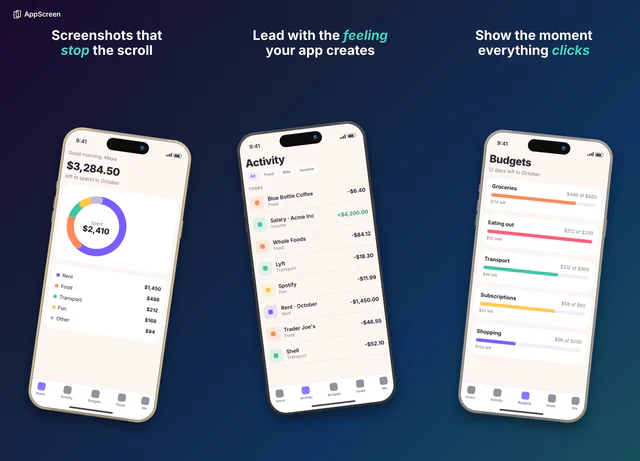 For any app, when you want your screens to do the talking
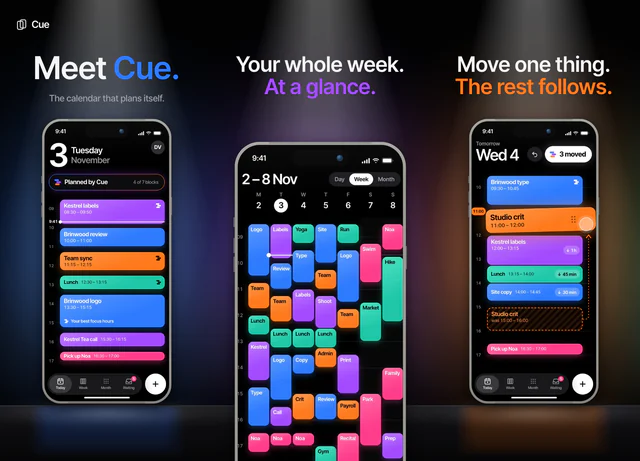 For calendars, productivity and anything that should feel premium
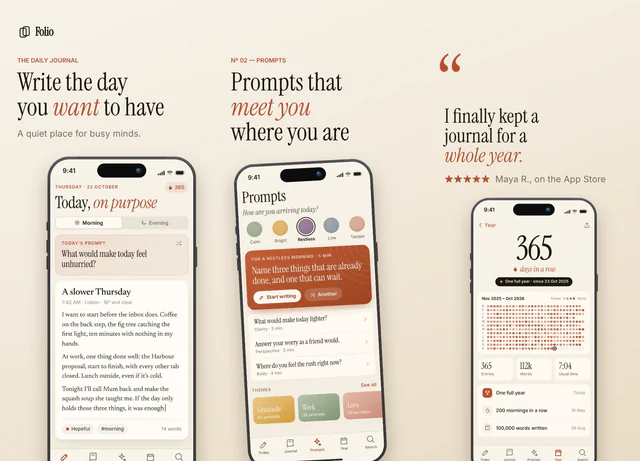 For journals, reading and writing apps
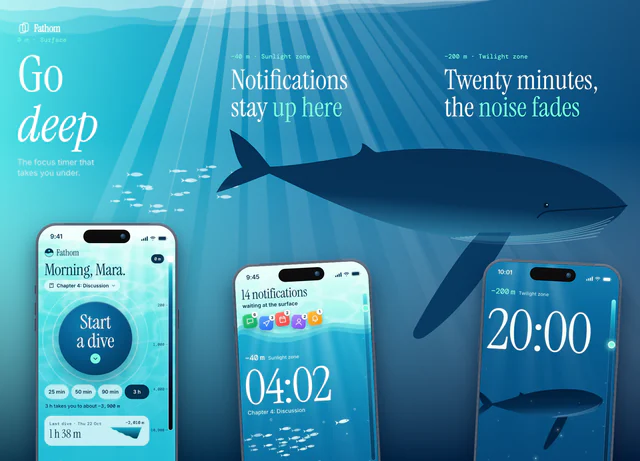 For focus timers, meditation and anything calm
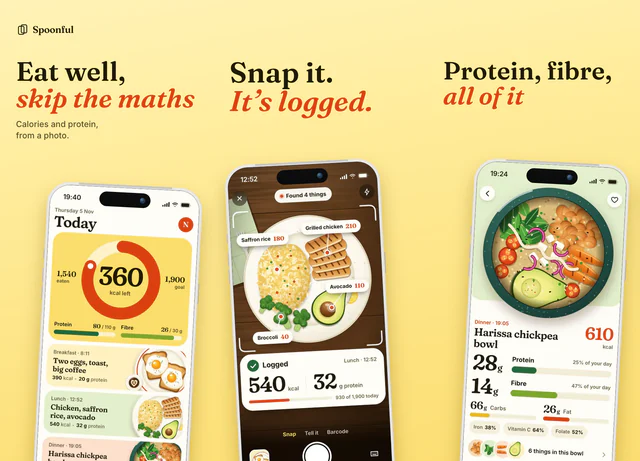 For food, nutrition and everyday habit apps
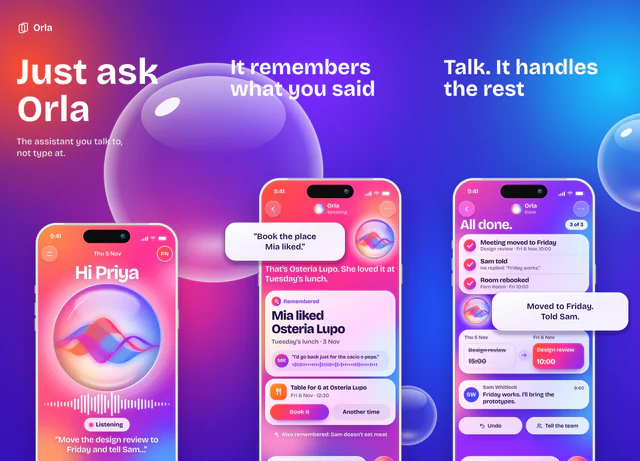 For AI assistants and anything you talk to
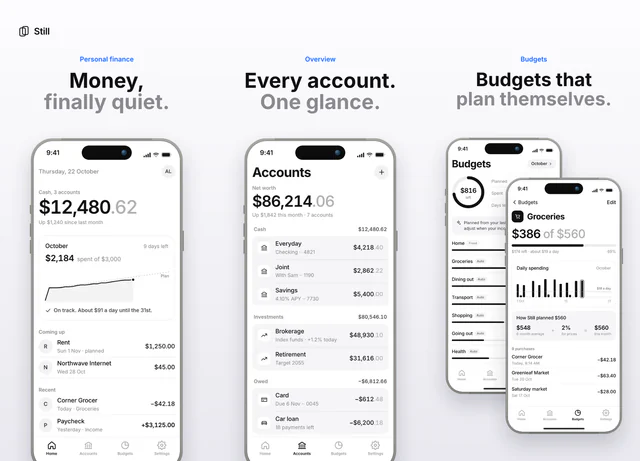 For finance, utilities and clean interfaces
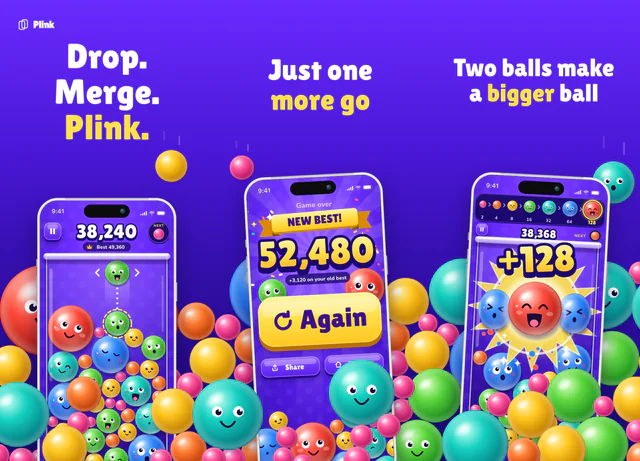 For casual games and playful apps
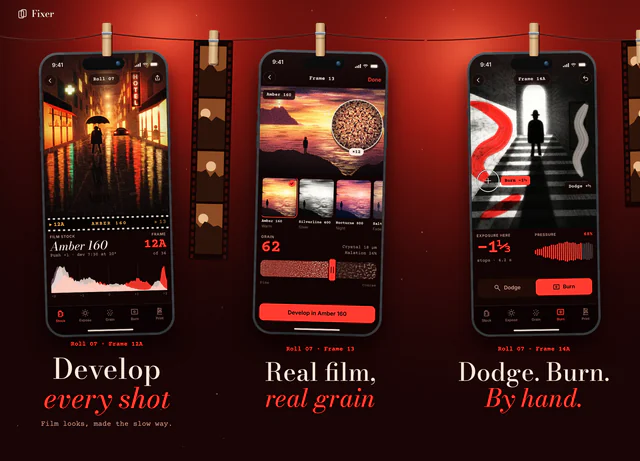 For photo, video and camera apps
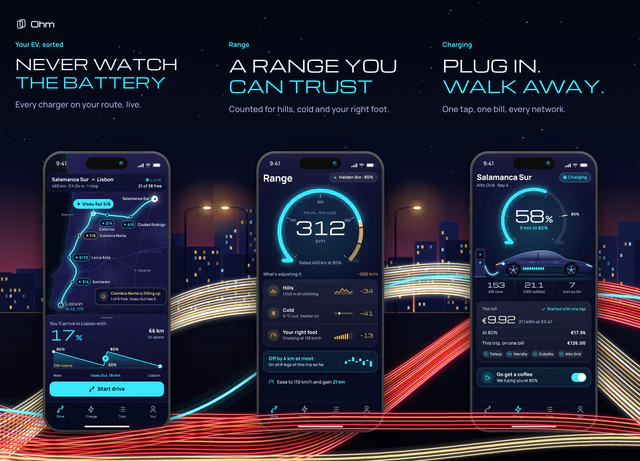 For cars, EV charging, rides and anything on the road
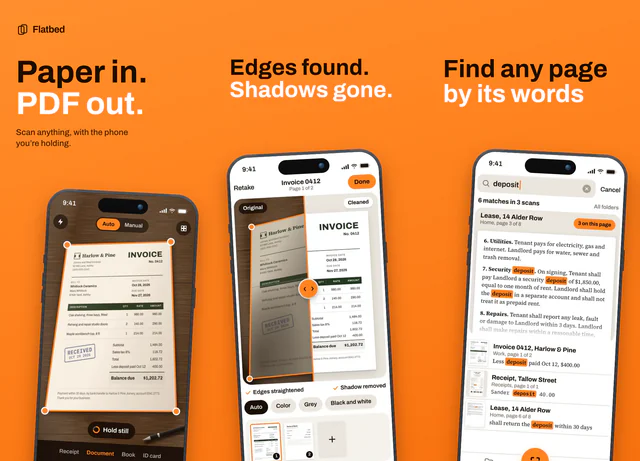 For scanners, utilities and any app with one clear job
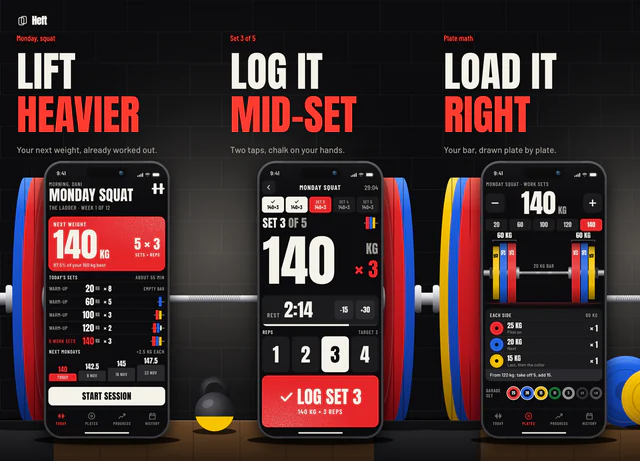 For strength training, gym logs and anything that counts reps
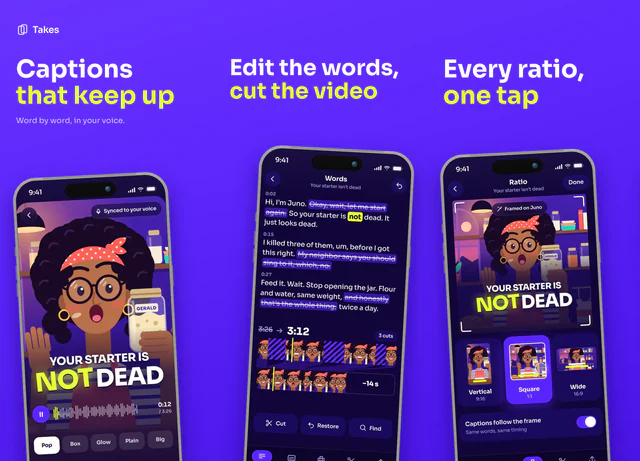 For video editors, creator tools and anything loud
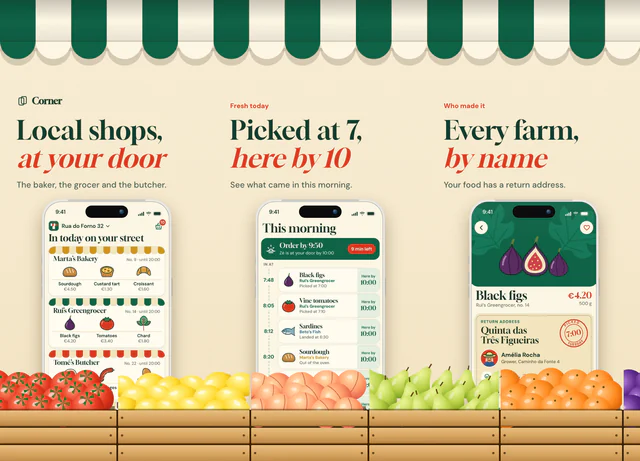 For shopping, groceries, delivery and local shops
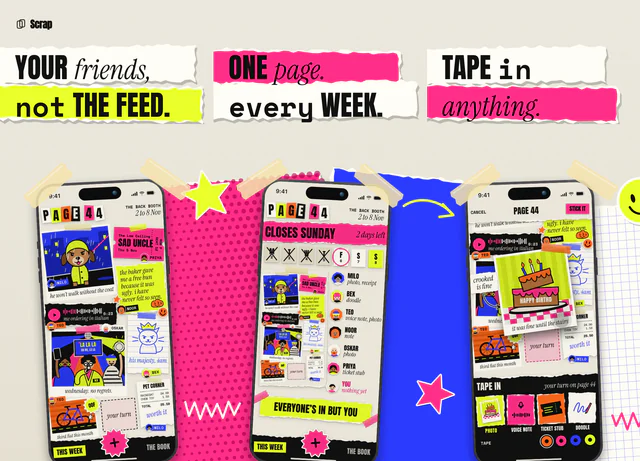 For social apps, friends, journals and anything made by hand
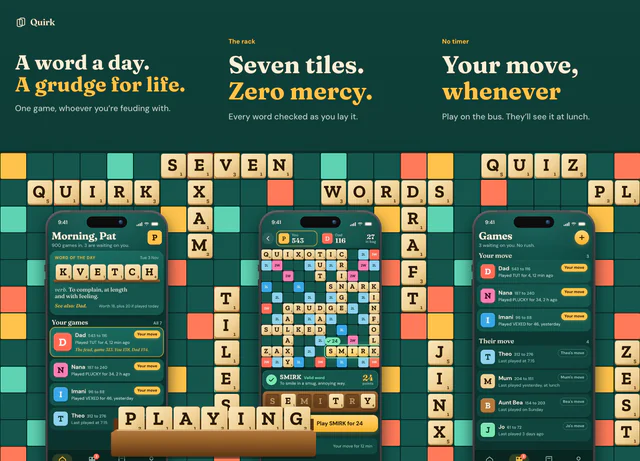 For word games, puzzles and anything with a daily habit
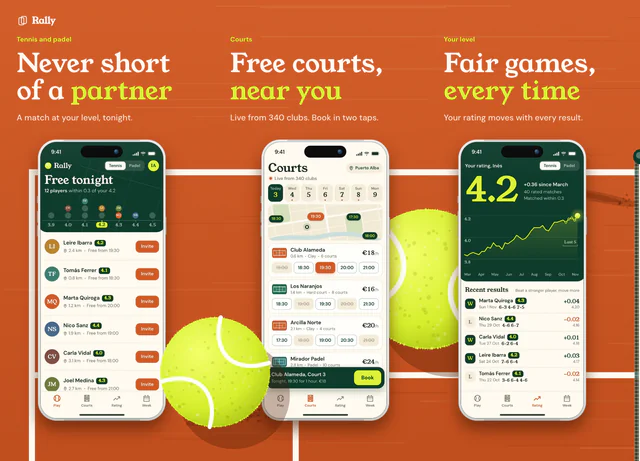 For tennis, padel, racket sports and finding people to play with
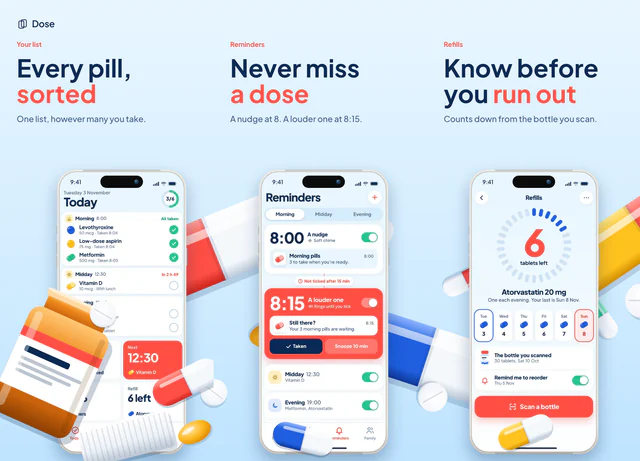 For medication, health tracking and anything with a daily routine
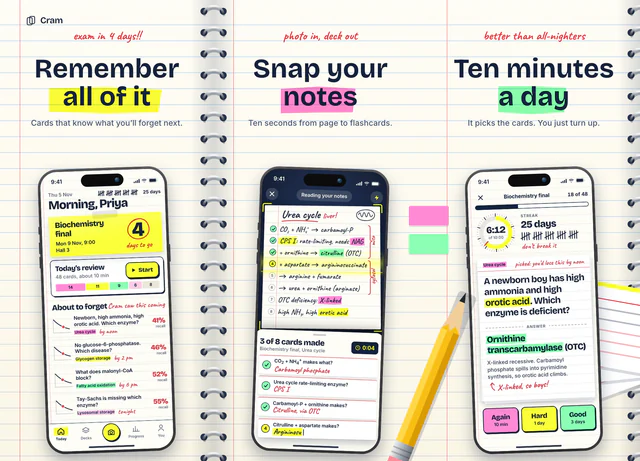 For studying, flashcards, courses and anything with an exam at the end
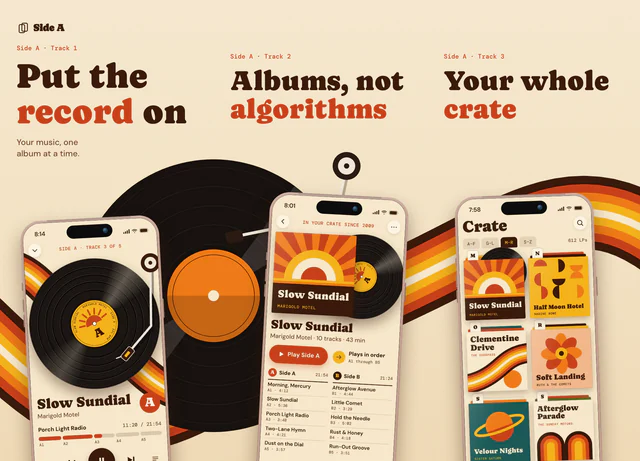 For music, audio and podcast apps
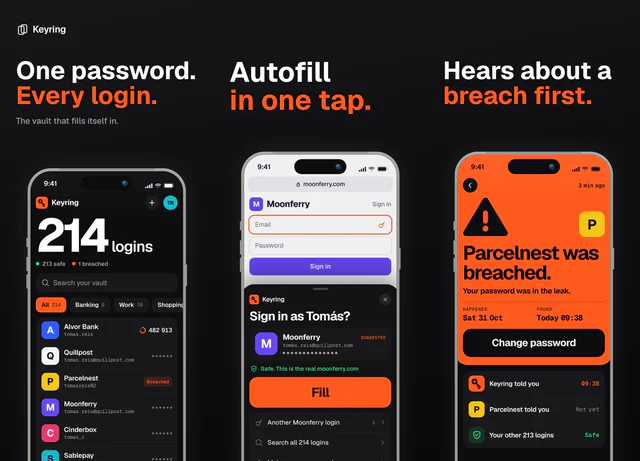 For security, utilities and dark interfaces
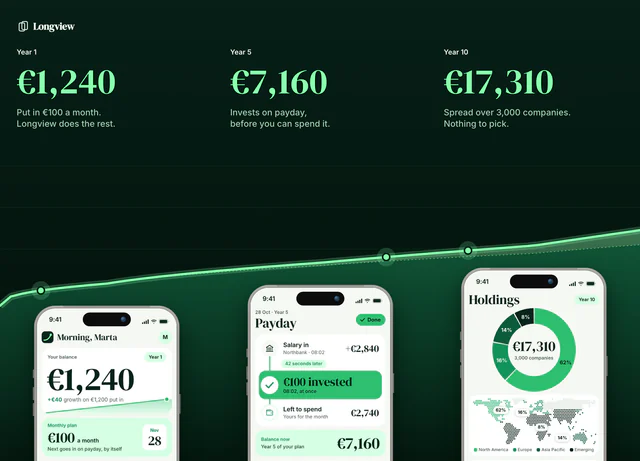 For finance and anything that shows progress over time
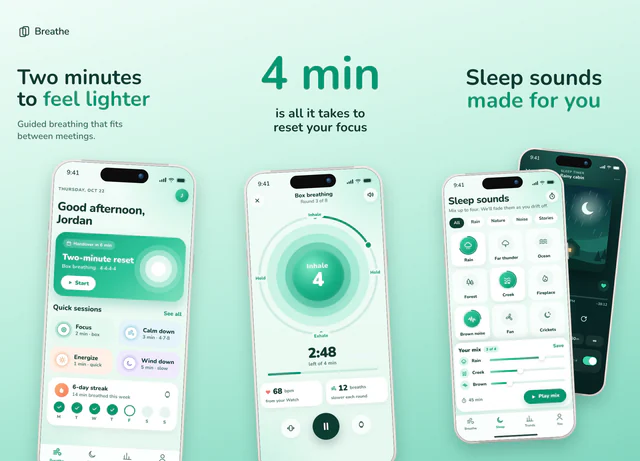 For breathing, wellness and calm routines
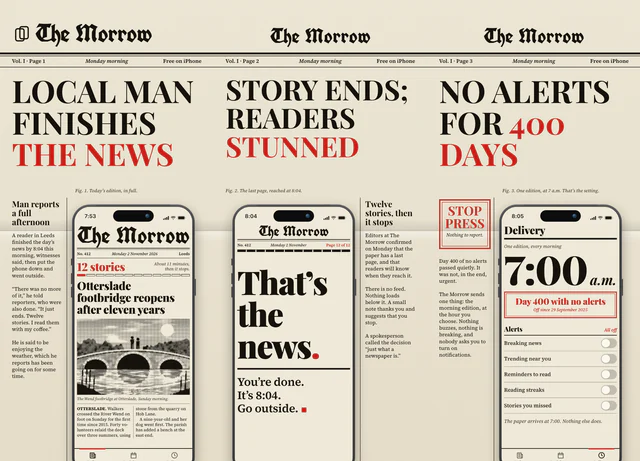 For news, reading and any app with a sense of humor
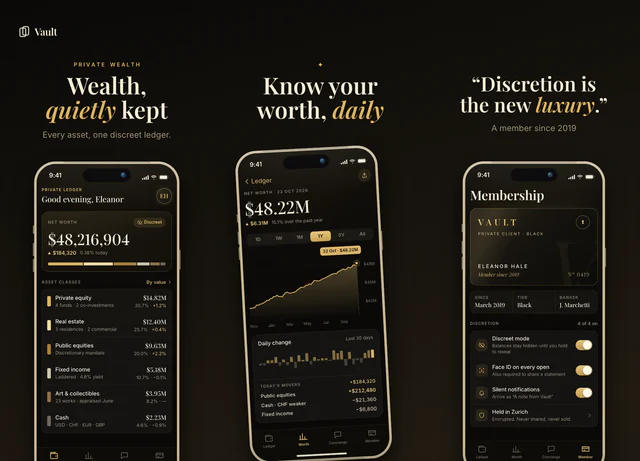 For finance, luxury and members-only apps
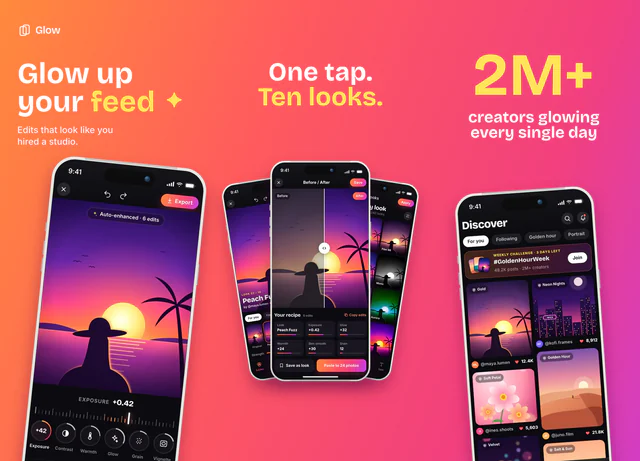 For photo editors and social apps
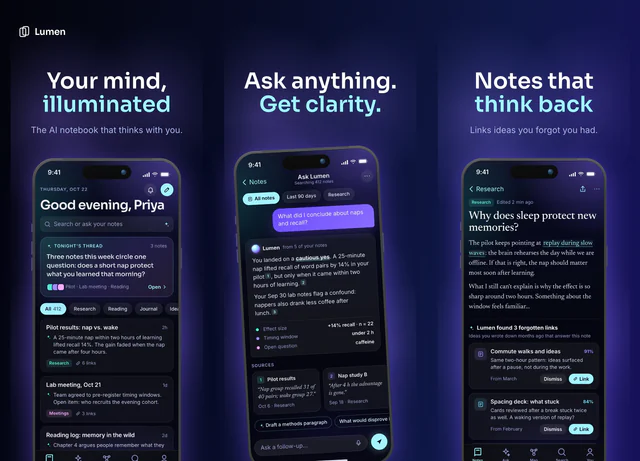 For AI notebooks, research and knowledge apps
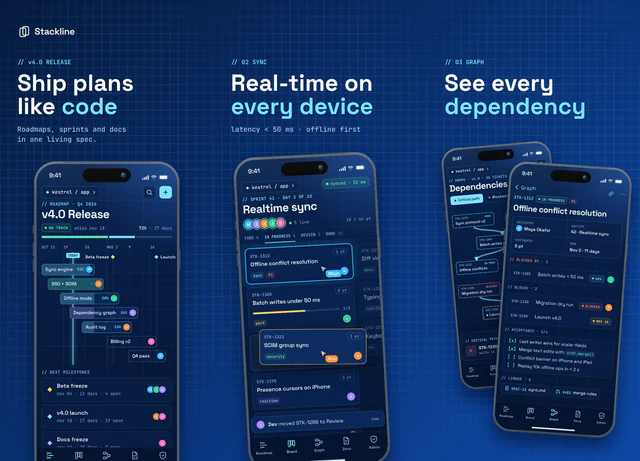 For developer tools and project planning
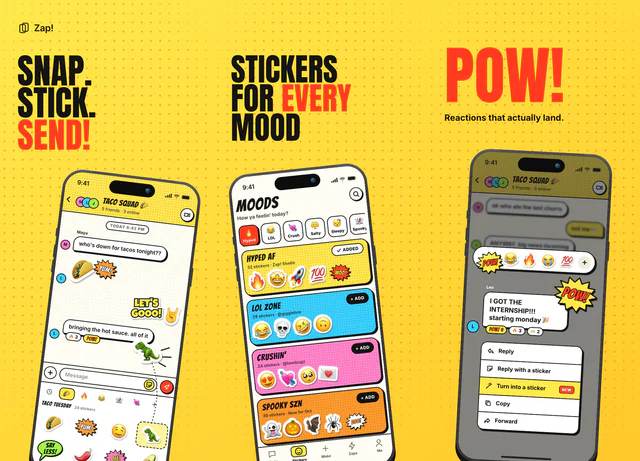 For stickers, comics and playful social apps
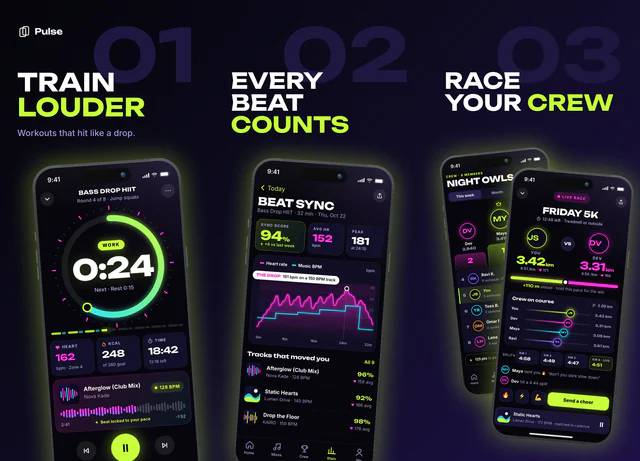 For workouts, music and high-energy apps
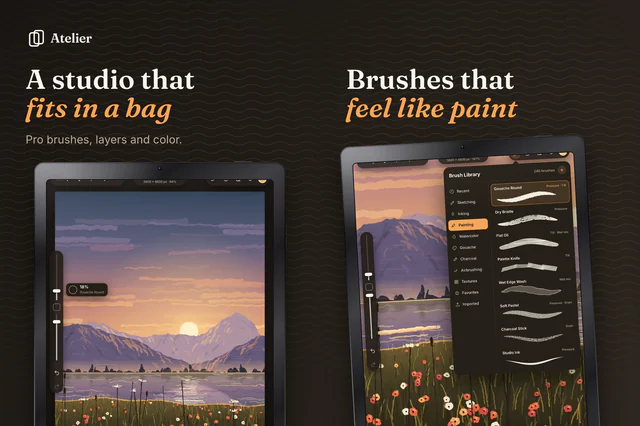 For drawing, painting and creative iPad apps
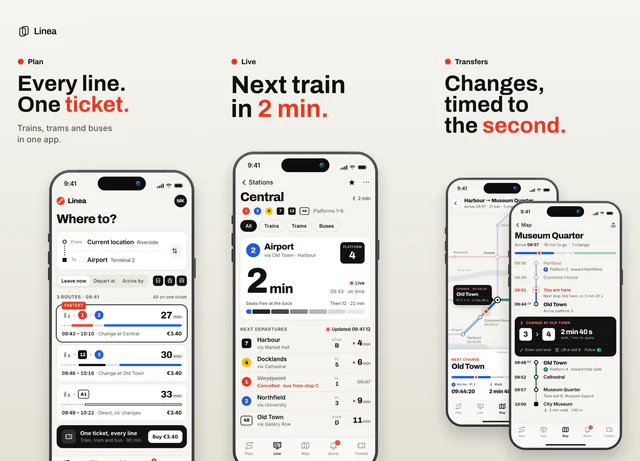 For transit, maps and practical tools
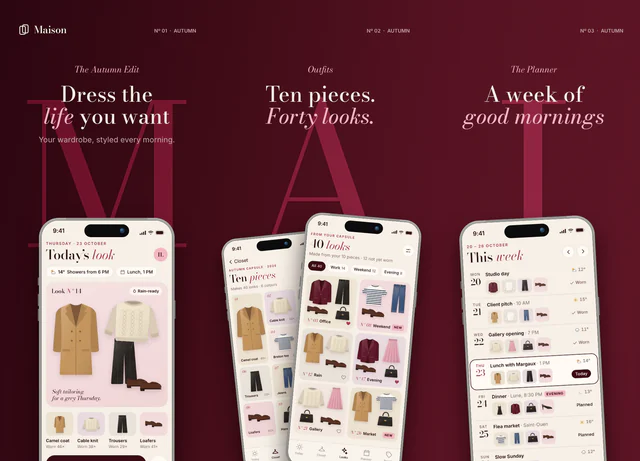 For fashion, beauty and style apps
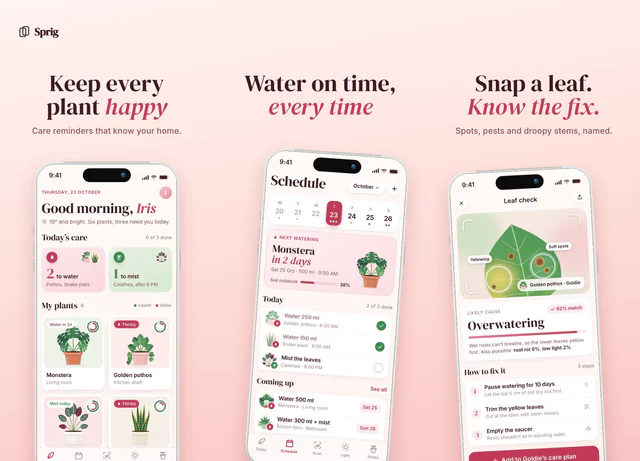 For plant care, home and gentle lifestyle apps
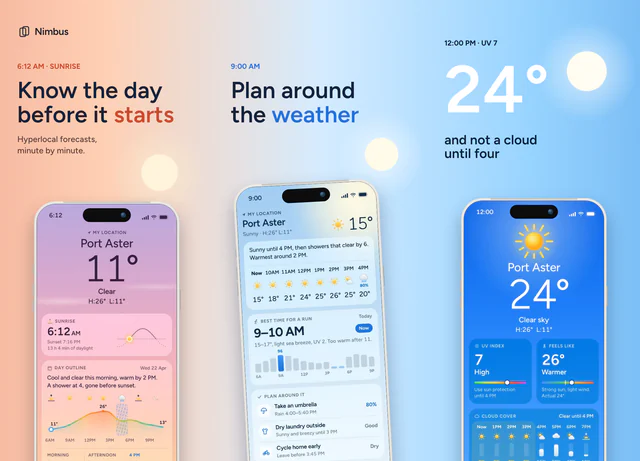 For weather and anything tied to the time of day
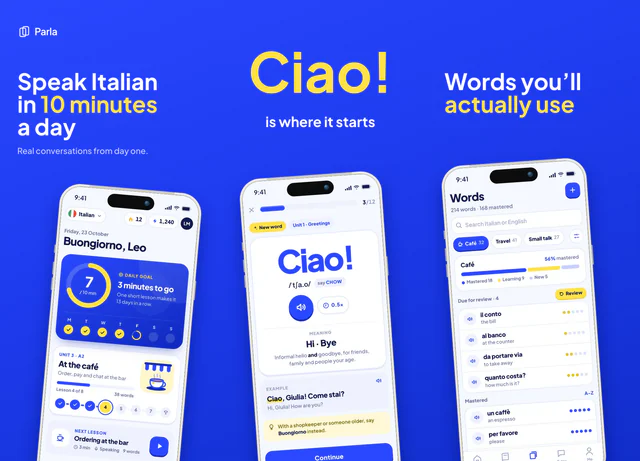 For language learning and education apps
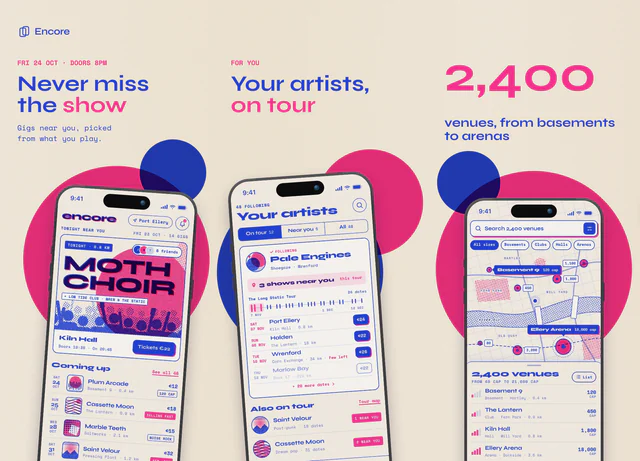 For concerts, events and culture apps
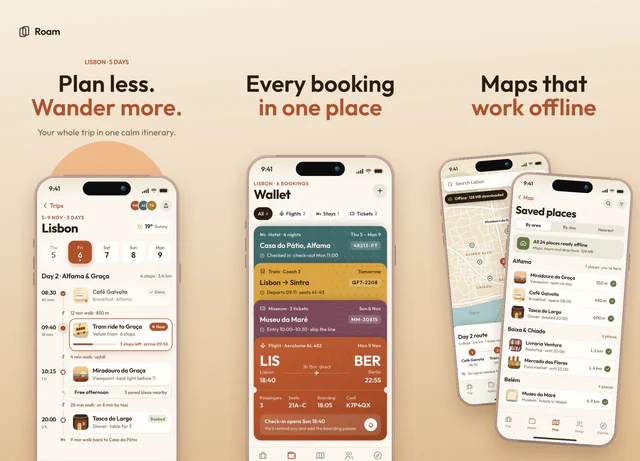 For travel planners and outdoor apps
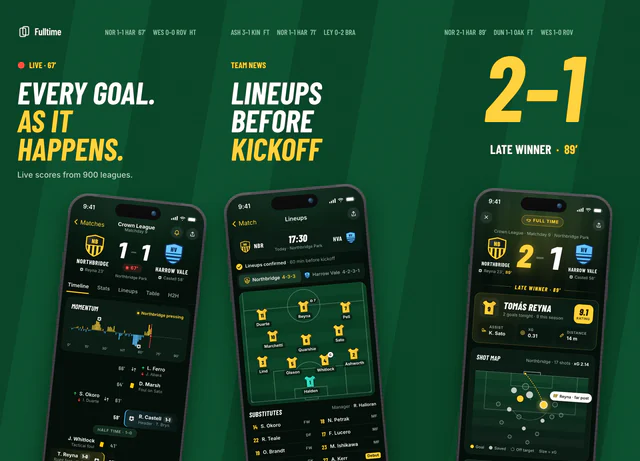 For sports scores and team apps
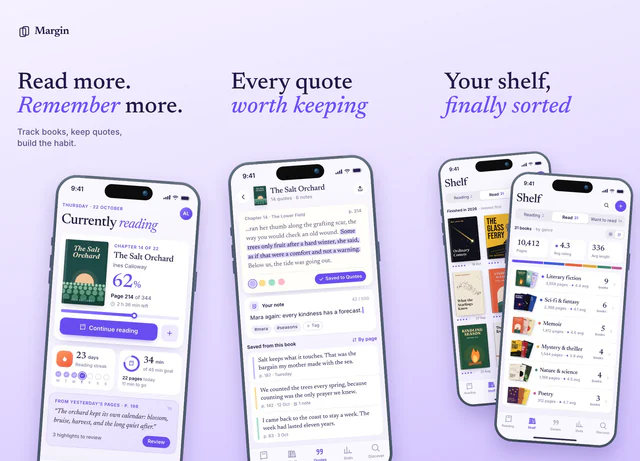 For reading trackers and book apps
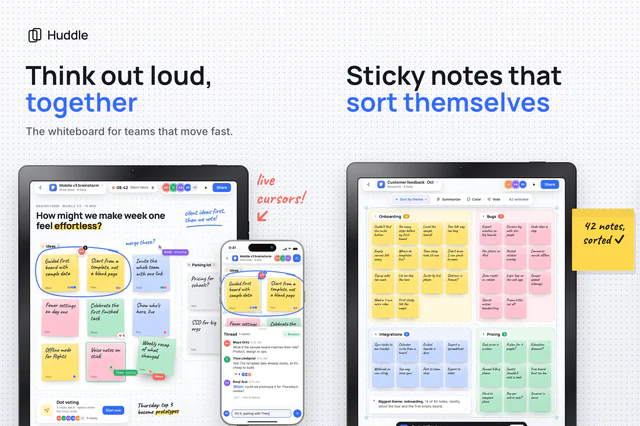 For team collaboration and whiteboard apps on iPad
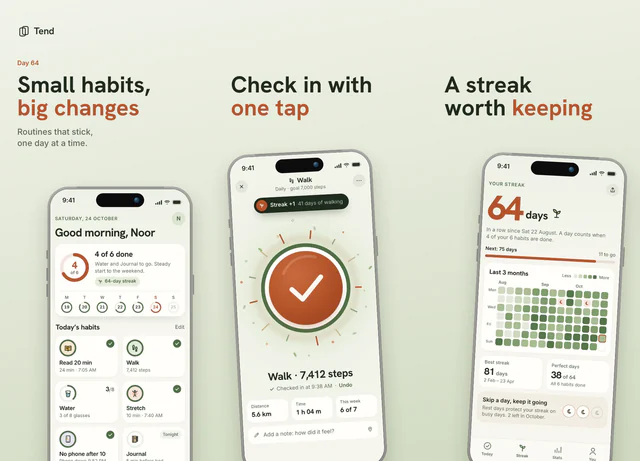 For habit trackers and daily routines
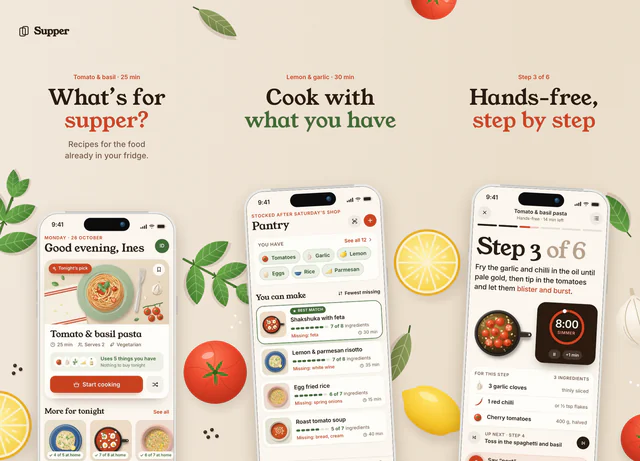 For recipes, cooking and meal planning
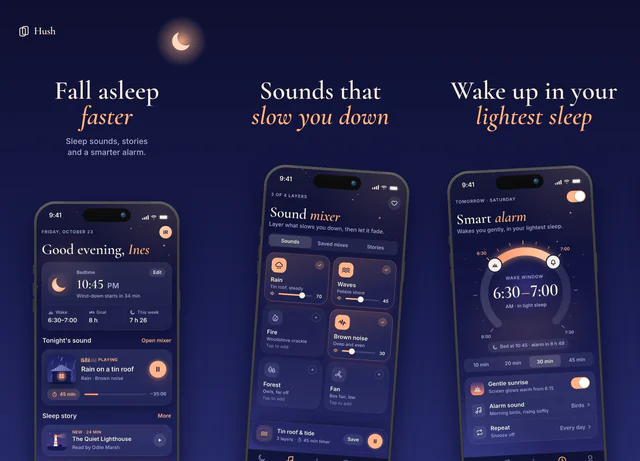 For sleep, calm and evening apps
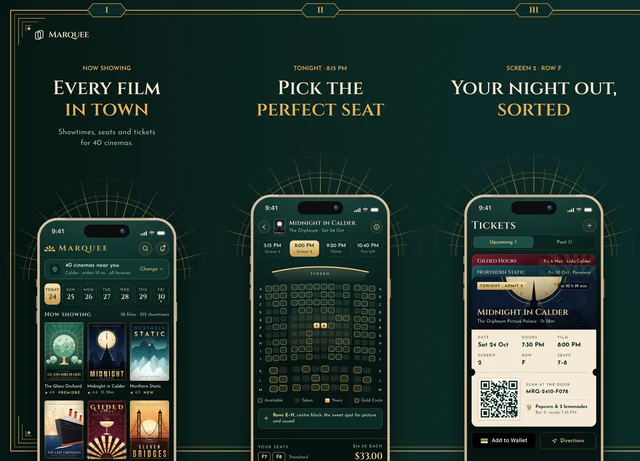 For cinema, theater and going-out apps
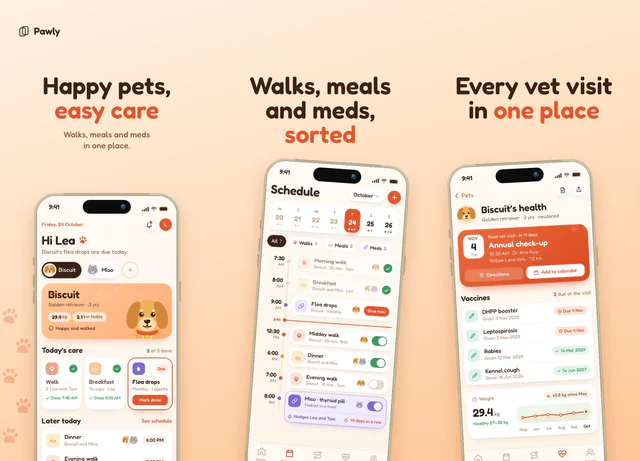 For pet care and friendly everyday apps
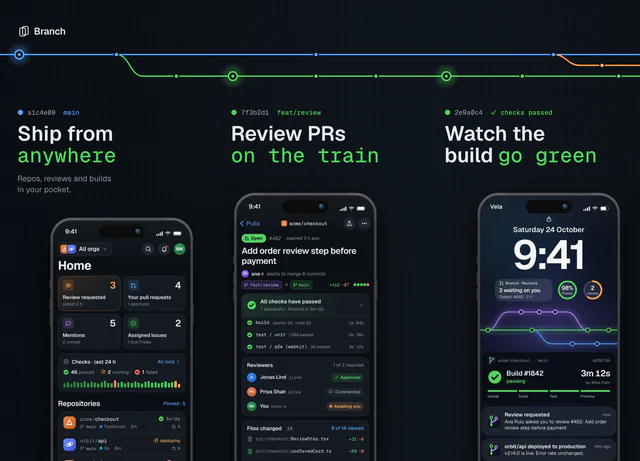 For developer tools, git clients and terminals
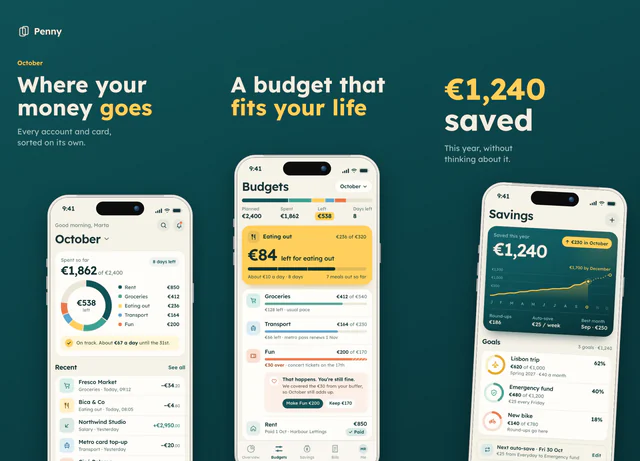 For budgeting and personal finance
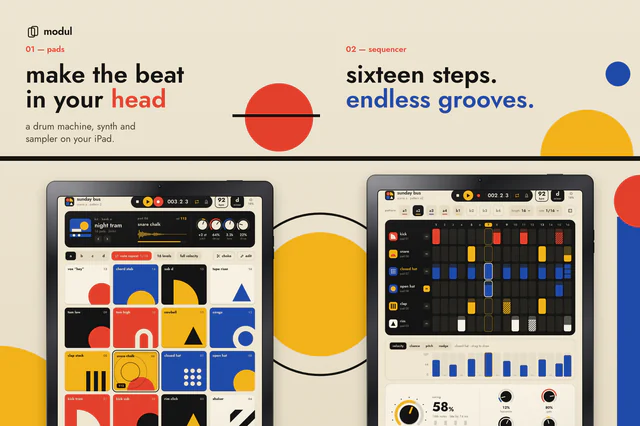 For music makers and creative iPad apps
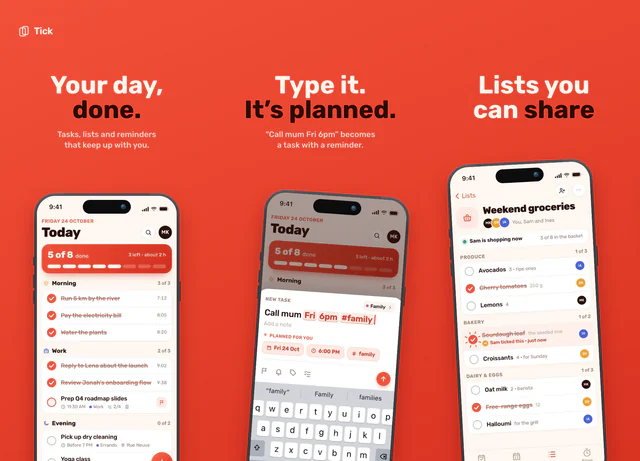 For to-do lists and simple productivity
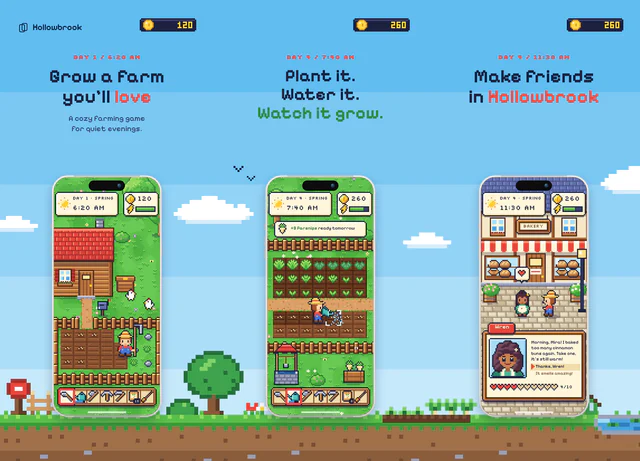 For cozy games and anything nostalgic
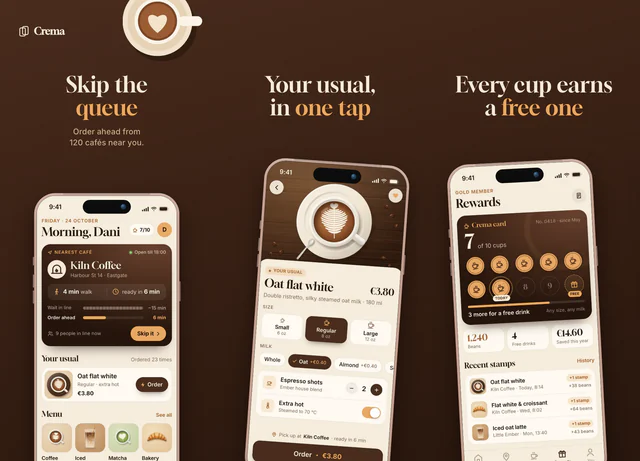 For coffee shops, ordering and food apps
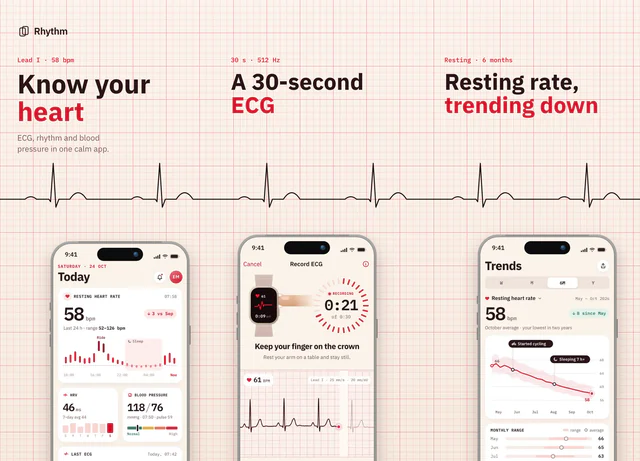 For heart health and medical apps
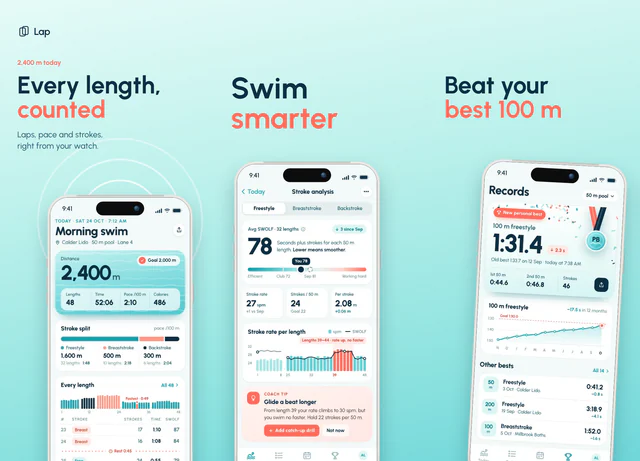 For swimming, water sports and training logs
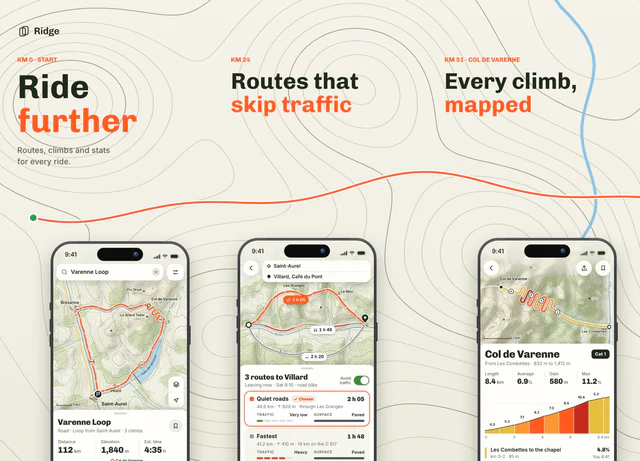 For cycling, hiking and route planning
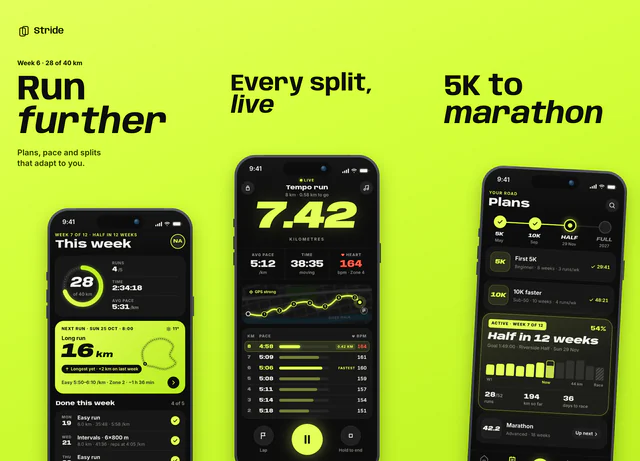 For running and performance tracking
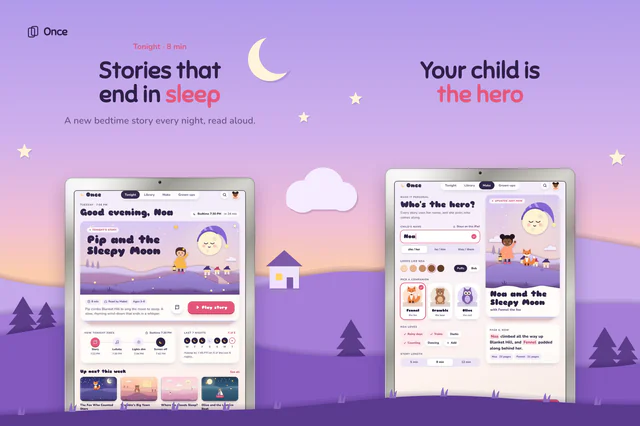 For children's stories and family iPad apps
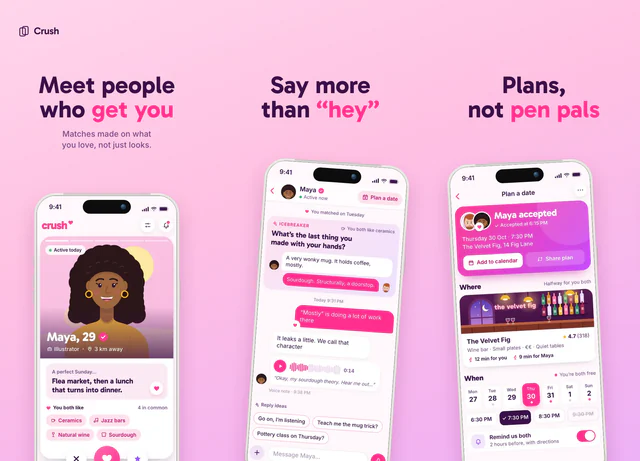 For dating and social apps
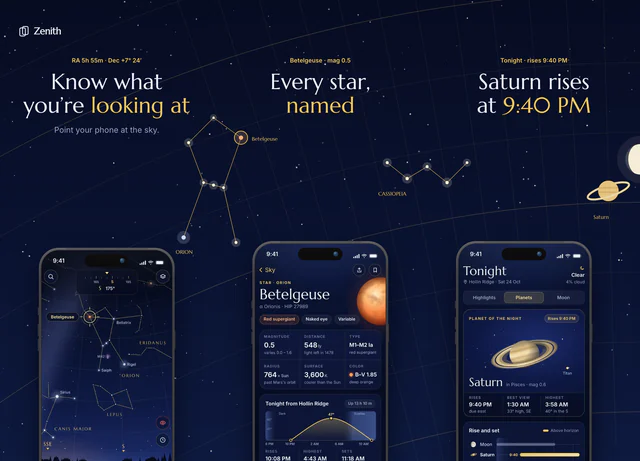 For astronomy, science and reference apps
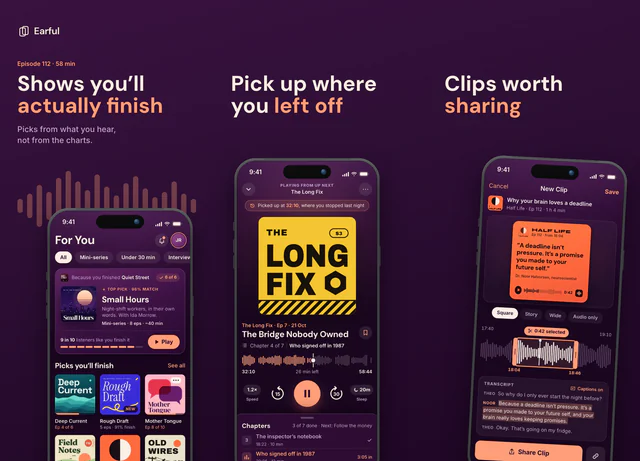 For podcasts and audio apps
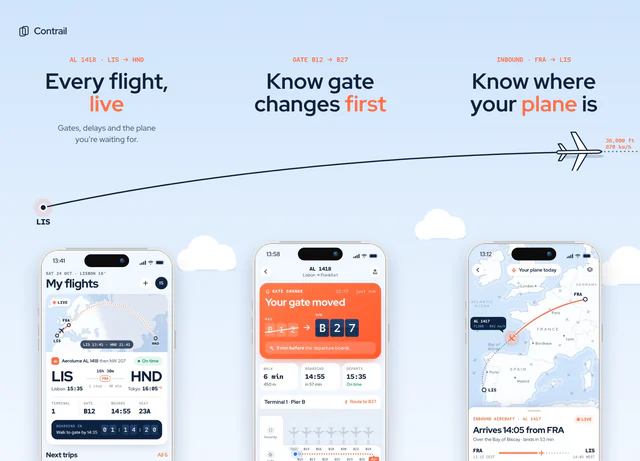 For flight tracking and travel apps
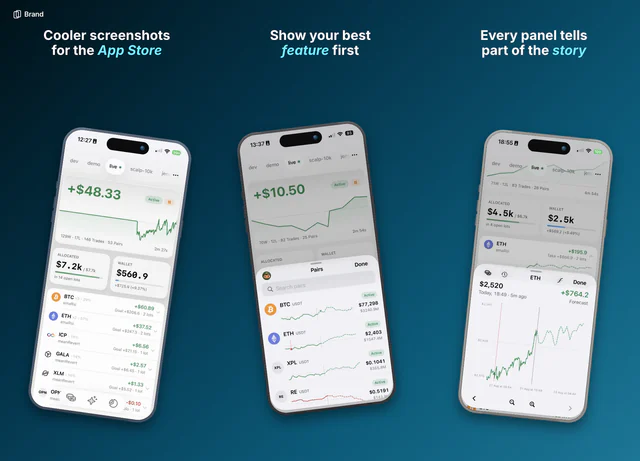 For any app that wants a calm, trustworthy look
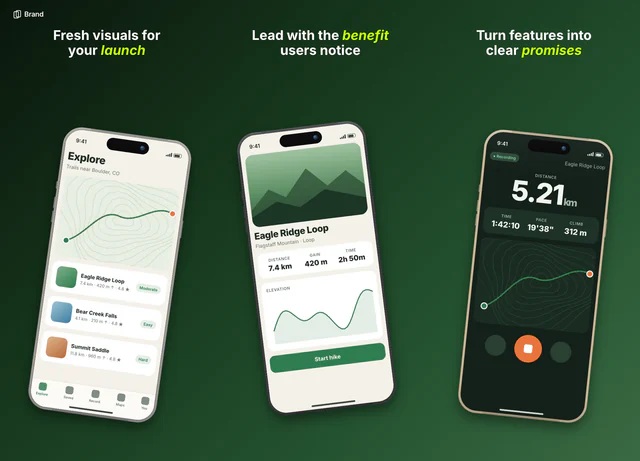 For outdoor, wellness and everyday apps
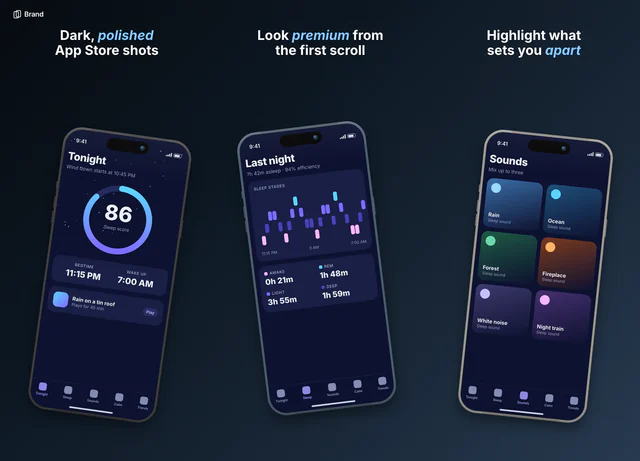 For night-time, sleep and dark interfaces
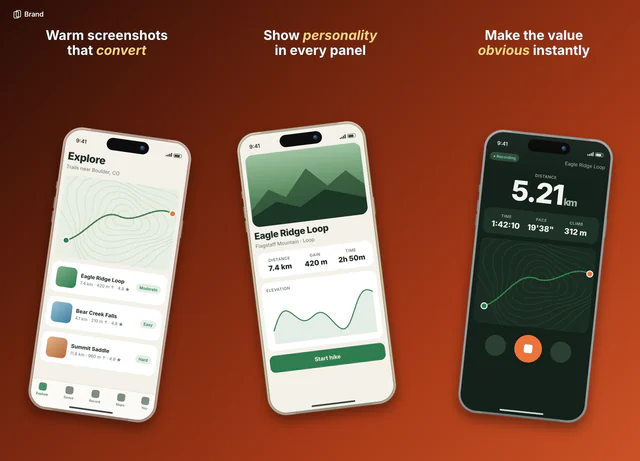 For warm, friendly consumer apps
Questions
Are these App Store screenshot templates free?
29 of them are free to use, and you don't need a card. On the free plan the first 3 slides of a set export clean. Pro costs $9 once and unlocks every template, with no watermark on any slide.
Do I need Figma or any design software?
No. Each template opens in the AppScreen editor in your browser. You drop in your screenshots, type your own headlines and export.
What are the phones showing?
Sample screens from apps we made up, so you can see the finished look. They're replaced as soon as you add your own screenshots, and they never appear in an export.
Do they export at the right App Store sizes?
Yes. An iPhone set exports at 1206 × 2622 per slide, as PNGs with no transparency, because App Store Connect rejects screenshots that have it.
Can I use them for Google Play?
Yes. Pick an Android size in the editor's toolbar and the template moves to it. Android phones export at 1080 × 1920.
Can I change the colors, fonts and layout?
Yes. Everything in a template is a layer you can edit: the text, the background, the phones and the drawings. It's a starting point, not a locked design.