App Store screenshot sizes for 2026
Every screenshot size Apple accepts for iPhone, iPad, Mac, Apple TV, Vision Pro and Watch, which sets are required, and the one iPhone set you need.
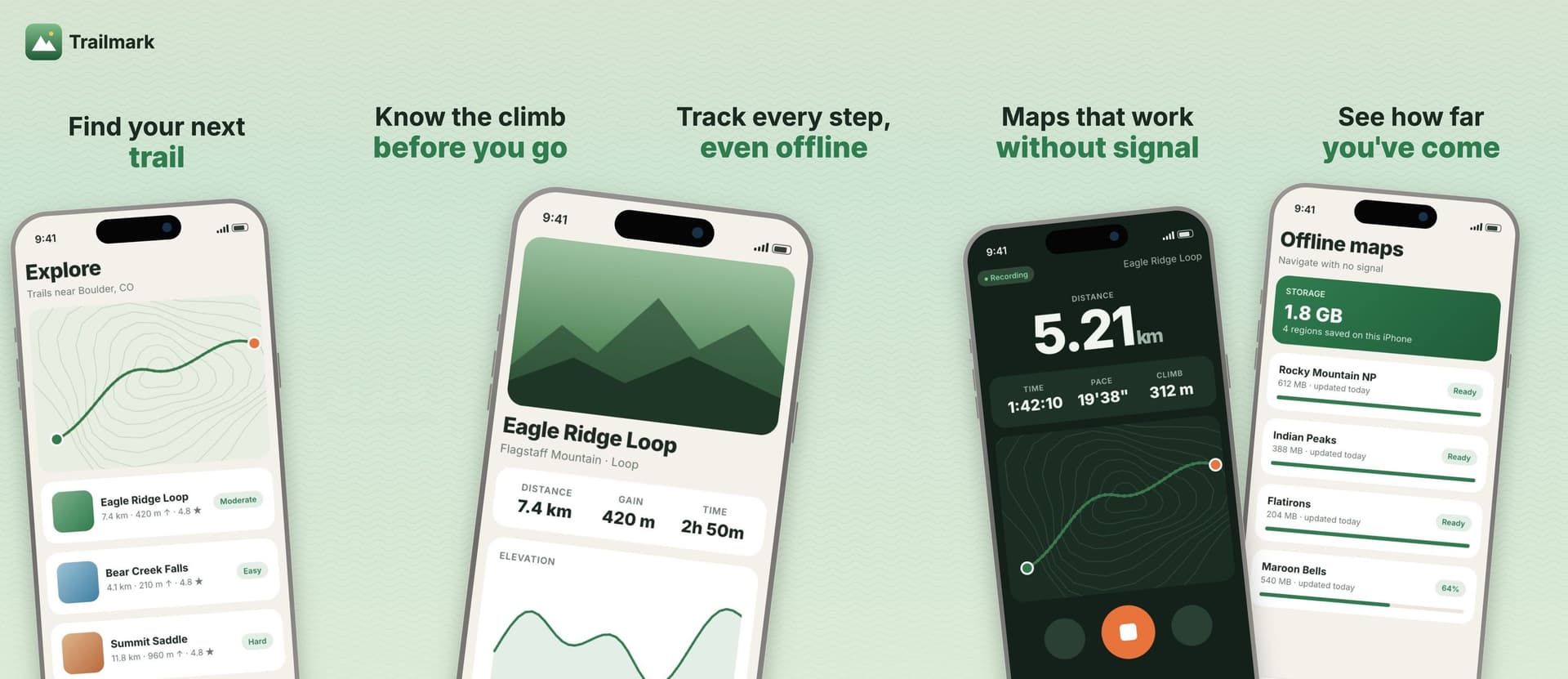
Apple's screenshot spec page lists more than 40 accepted pixel sizes across iPhone, iPad, Mac, Apple TV, Apple Vision Pro and Apple Watch. You need very few of them. An iPhone-only app can ship with one set of screenshots, and App Store Connect scales it down for every smaller phone.
Everything below comes from Apple's screenshot specifications and upload guide as of October 2026. Apple changes this page when new devices ship, so check it before a big release.
The short version
- Upload 1 to 10 screenshots.
- Formats are
.jpeg,.jpgand.png. - No alpha channels and no transparency.
- iPhone apps need a 6.9" set or a 6.5" set. One of the two is enough.
- iPad apps need a 13" set.
- Mac, Apple TV, Apple Vision Pro and Apple Watch apps each need their own set.
- Smaller display sizes are optional. If you skip them, Apple scales down your largest screenshots.
Apple puts the last point plainly in the upload guide. If your UI is the same across device sizes and localizations, provide only the highest resolution screenshots required.
iPhone
The smaller of each 4" and 3.5" pair is the "without status bar" size. Nobody should be making these in 2026, but Apple still lists them.
Apple also lists a new entry for iPhone Duo: 1398 × 2034 for the outer display and 2007 × 2853 for the inner display, plus the landscape versions. Apple's note says upload support for this device in App Store Connect comes "later this year". You can't upload these yet.
Which iPhone size to pick
Pick 6.9" if you want the sharpest image on the newest Pro Max phones. Pick 6.5" at 1284 × 2778 if you want one set that Apple explicitly scales down to 6.3" and 6.1". Either one satisfies the iPhone requirement on its own.
iPad
If your iPhone app also runs on iPad, App Store Connect asks for the 13" set. 2064 × 2752 portrait is the size to target.
Mac
Mac screenshots use a 16:10 aspect ratio. Apple accepts one of these four sizes:
Required for Mac apps. 2880 × 1800 is the largest option.
Apple TV
1920 × 1080 or 3840 × 2160. Required for Apple TV apps.
Apple Vision Pro
3840 × 2160. Required for Apple Vision Pro apps.
Apple Watch
Required for Apple Watch apps. Apple asks you to use the same Watch screenshot size across every localization of the app.
App previews
Previews are the short videos that sit in front of your screenshots. They're optional. From Apple's app preview specifications:
.mov, .m4v, .mp4.movPreviews always play before screenshots on iPhone, iPad, Mac and Apple TV, even if you reorder them in App Store Connect. If you add a preview, your first screenshot becomes the second thing people see.
Mistakes that get uploads rejected
Alpha channels. Design tools often export PNGs with an alpha channel by default. Export as JPEG, or flatten the PNG before upload.
Off-by-a-few-pixels sizes. Apple lists exact pixel sizes. A file at 1284 × 2777 isn't one of them. If you resize in a general image editor, check the final numbers.
Mixing orientations by accident. Portrait and landscape sizes are both accepted, but a landscape file in a portrait set looks broken on the product page.
Watch sizes across languages. Use one Watch size for every localization, as Apple's note asks.
How many screenshots to make
Apple allows up to 10. You don't have to use them all. I'd rather ship 5 that each say one thing clearly than 10 that repeat each other. Get slots 1 to 5 right before you worry about 6 to 10.
In AppScreen
AppScreen lays every screenshot on one wide panorama canvas and cuts it into panels on export. Each iPhone panel exports at 1284 × 2778, Apple's 6.5" size. A 5-panel panorama is a 6420 × 2778 canvas, and the export gives you five separate 1284 × 2778 files ready to drag into App Store Connect. That one set covers the iPhone requirement, and Apple scales it down to 6.3" and 6.1".
With Pro, iPad panels export at 2064 × 2752, the 13" size Apple requires for iPad apps.
SourcesEvery number in this post comes from these pages.3 pages · Checked 1 Oct 2026
- developer.apple.com/help/app-store-connect/reference/screenshot-specificationsAll sizes, requirements, formats
- developer.apple.com/help/app-store-connect/manage-app-information/upload-app-previews-and-screenshotsScaling, 1 to 10 limit
- developer.apple.com/help/app-store-connect/reference/app-preview-specificationsApp preview specs
Something out of date? Email [email protected] and we'll re-check it.