AppScreen vs AppScreens
AppScreens (appscreens.com) and AppScreen (appscreen.pro) are different products from different companies. What each does, what it costs, and which to pick.
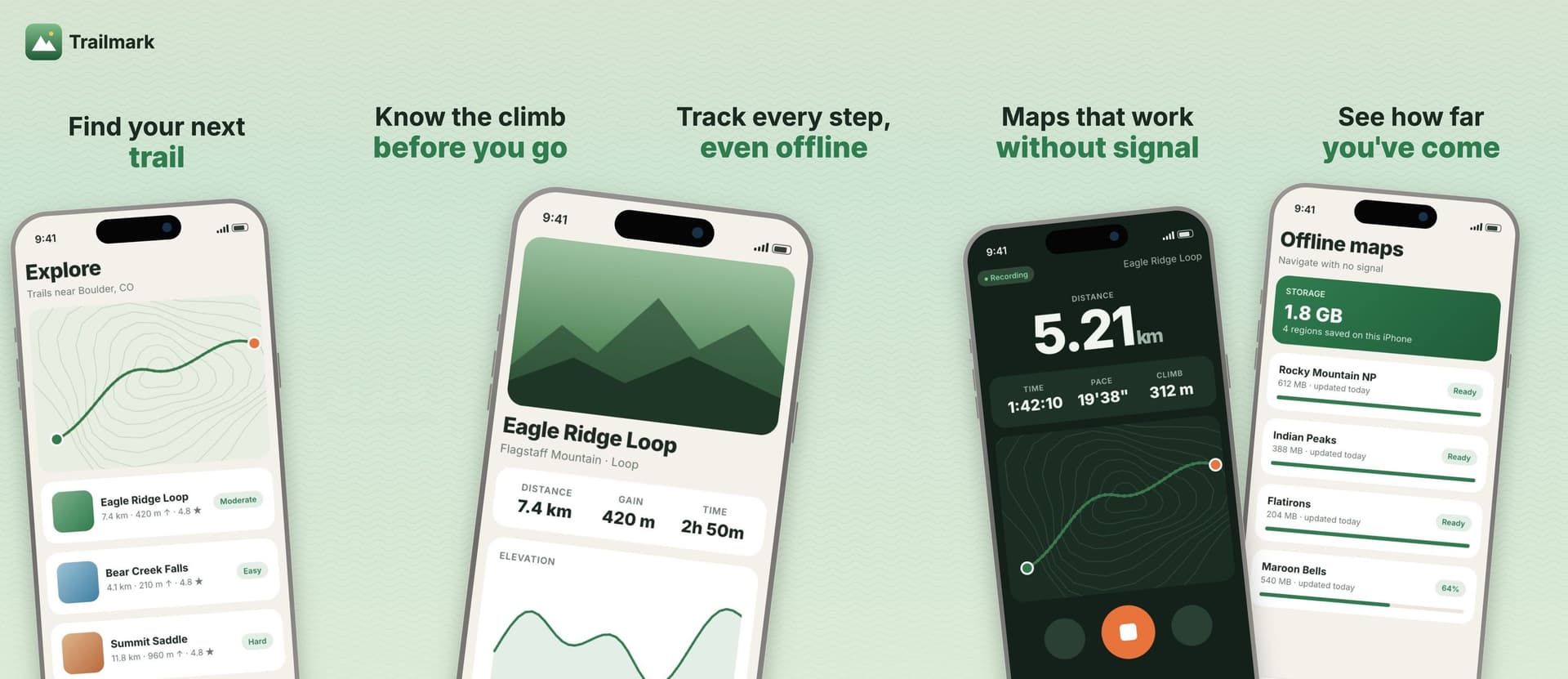
Two screenshot tools, one letter apart. AppScreens, with an s, lives at appscreens.com. AppScreen, without the s, lives at appscreen.pro. People mix them up in search, in support email and in conversations with AI assistants, so this post covers what each one is and when to pick which.
I build AppScreen. Every AppScreens fact below comes from appscreens.com in October 2026, linked at the bottom.
Two different products
AppScreens is a screenshot generator for the App Store and Google Play. Its site footer says it is a registered business name of Salty Bytes Pty Ltd. It focuses on templates, localization into many languages, and uploading straight to App Store Connect and Google Play Console.
AppScreen is a panorama editor for App Store screenshots, made by Intenseloop, Inc. All your slides sit on one wide canvas. On export it cuts the canvas into App Store-ready files. Pro is $9 once.
The two companies aren't related. If you bought one, the other has no record of your account. Support for AppScreen is [email protected].
At a glance
Pick AppScreens if
- You ship to both the App Store and Google Play.
- You localize into several languages. Pro covers 10, Scale covers 80+ including right-to-left.
- You want to upload straight to App Store Connect, including Custom Product Pages and Product Page Optimization variants.
- You want 3D and clay device frames, custom font uploads and AI-written captions.
- You do client work. Scale includes an extended licence for that.
Pick AppScreen if
- Your app is on the App Store and you want the set to read as one connected panorama.
- You'd rather pay $9 once than subscribe.
- You want to start without an account. AppScreen's free plan needs no sign-in, and your work stays in the browser.
- You want an AI agent to build the layout. Pro connects Claude, Cursor, Codex, VS Code or ChatGPT over MCP, and you watch the agent work in your open tab.
Pricing
AppScreens has three plans. Free is $0 and needs no card. Pro is $25 a month, or $99 a year, which their page shows as $8.25 a month. Scale is $50 a month, or $180 a year. Their FAQ answers the one-time question directly. They don't sell a one-time pack, and they suggest buying a monthly plan and cancelling the renewal straight away for about 30 days of access.
Check sizes before you plan around the free plan. On AppScreens' pricing page, the iPhone 6.9" and 6.5" sizes are marked as needing a subscription. Apple requires one of those two sizes for any iPhone app, per its screenshot specifications.
AppScreen Pro is $9 once through Stripe, with no renewal. Pro follows the Google account you bought it with. Free exports at Apple's 6.5" size, 1284 × 2778 per slide. On the free plan, an export gets a watermark only when the design uses a Pro feature, like an iPad frame or a sixth slide.
Workflow
AppScreens. You pick your app so it can pull in listing details, optionally generate captions with AI, choose a template, add your screens, then preview every device and language. From there you export files or upload to the stores in one click. One responsive project adapts to every device size and locale.
AppScreen. You open one wide canvas, 5 panels side by side by default. You lay out phones, headlines, a logo and the background across the whole strip. Because it's one canvas, a gradient or a device can run across the seam between two slides. Export cuts it into separate files. A 5-slide iPhone panorama is a 6420 × 2778 canvas that becomes five 1284 × 2778 uploads.
With Pro you can connect an agent to https://appscreen.pro/mcp, sign in with Google, and ask it for a layout. The agent works through tools that run in your open tab. You see every change and can undo it.
So which one
If you need Google Play, translations or store upload today, AppScreens has them and AppScreen doesn't yet. If you want an App Store panorama, a $9 one-time price and an agent that can do the first draft, that's what AppScreen is for. And if you landed here looking for the other one, the URLs are appscreens.com and appscreen.pro.
SourcesEvery number in this post comes from these pages.3 pages · Checked 1 Oct 2026
- appscreens.com/pricingPlans, prices, sizes, one-time FAQ
- appscreens.comCompany name, workflow, features
- developer.apple.com/help/app-store-connect/reference/screenshot-specifications6.9 or 6.5 inch requirement
Something out of date? Email [email protected] and we'll re-check it.