AppScreen vs AppLaunchpad
AppLaunchpad is a template-first subscription for both stores. AppScreen is a $9 one-time App Store panorama editor. Which one fits your app.
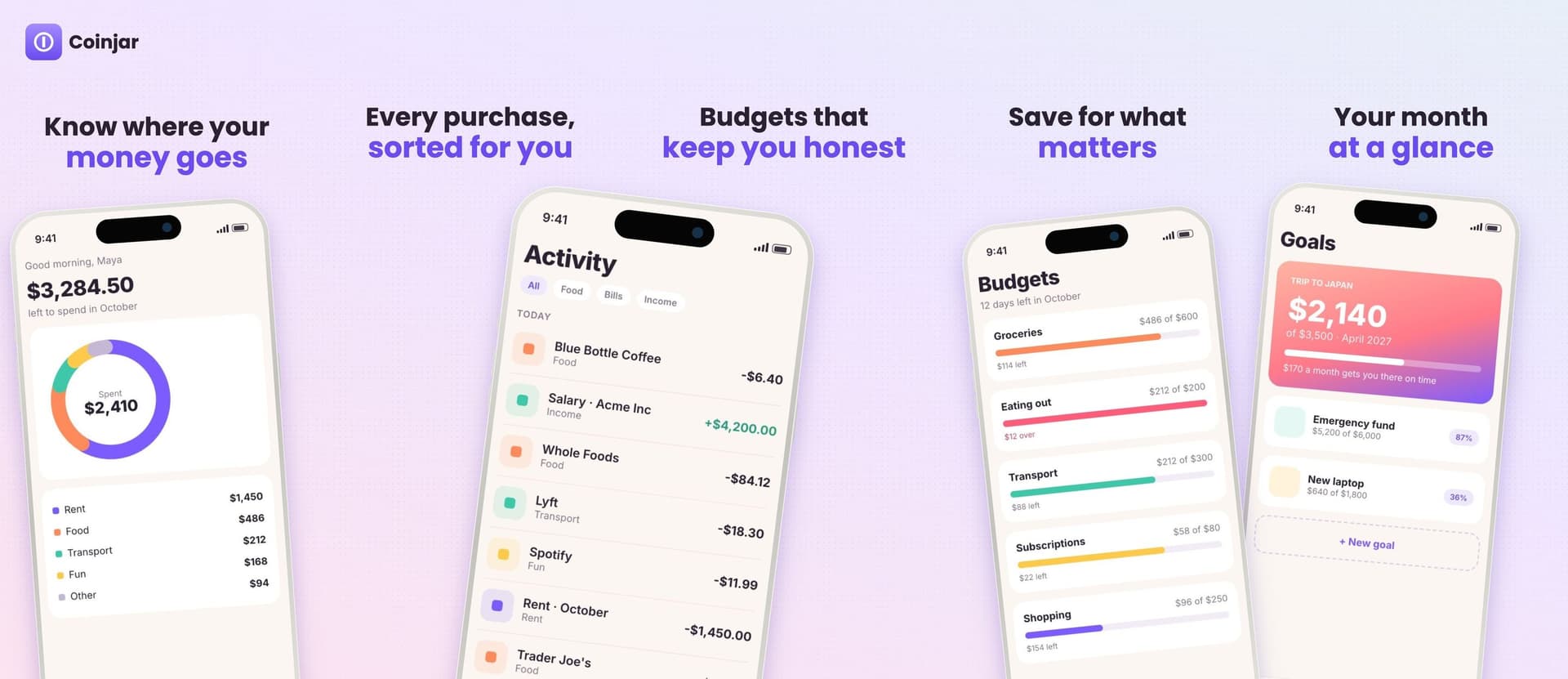
AppLaunchpad and AppScreen both make App Store screenshots in the browser. They start from different places. AppLaunchpad starts from a template library and covers both stores. AppScreen starts from one wide panorama canvas, covers the App Store, and costs $9 once.
I build AppScreen. Every AppLaunchpad fact below comes from theapplaunchpad.com in October 2026, linked at the bottom.
At a glance
.appscreen.json on ProPick AppLaunchpad if
- You ship to Google Play as well as the App Store and want one tool for both.
- You need localized screenshots now. AppLaunchpad's Pro plan includes an AI translator.
- You'd rather start from a finished template than a blank canvas. They list 1000+.
- You want the extras they bundle, like an app icon generator and a mockup generator.
Pick AppScreen if
- Your app is on the App Store and you want the screenshots to read as one connected strip.
- You'd rather pay $9 once than keep a subscription for something you open a few times a year.
- You want to start without an account. The free plan needs no sign-in.
- You want an AI agent to build the first draft. Pro connects Claude, Cursor, Codex, VS Code or ChatGPT over MCP, and the agent works in your open editor tab while you watch.
- You want your canvas to stay on your machine. AppScreen keeps work in the browser and doesn't upload the canvas.
Pricing
AppLaunchpad's free plan lets you try the editor with a small set of templates and limited exports. Pro is $10 a month on monthly billing. On annual billing it's $8 a month, which comes to $96 a year. Their FAQ says you can cancel or switch plans at any time, and that they take credit and debit cards but not PayPal or prepaid cards.
AppScreen Pro is $9, paid once through Stripe. There is no renewal. Pro follows the Google account you buy with, so it works in any browser you sign into. On the free plan, an export gets a watermark only when the design uses a Pro feature, such as an iPad frame or more than 5 slides.
If you make screenshots for one app a few times a year, the gap adds up. A year of AppLaunchpad Pro on annual billing is $96. AppScreen Pro is $9 for as long as you use it. If you need Google Play and translations, AppLaunchpad's price buys you features AppScreen doesn't have yet.
Workflow
AppLaunchpad. You pick a template or layout, upload your app screens, and edit text, device frames and backgrounds per screenshot. AppLaunchpad then scales the set to the iOS and Android sizes each store asks for. Localization duplicates the design so you can swap the text per language.
AppScreen. You open the editor and get one wide canvas, 5 panels side by side by default. Each panel is one App Store slide. You place phones, headlines and a background across the whole strip, so a gradient or a device can run across the seam between two slides. On export, AppScreen cuts the canvas into separate files. Each iPhone slide is 1284 × 2778, Apple's 6.5" size, and a 5-slide panorama is a 6420 × 2778 canvas.
With Pro you can hand the canvas to an agent. You connect it to https://appscreen.pro/mcp, sign in with Google, and ask for a layout. The agent adds phones, writes headlines and sets the background through tools that run in your tab. You see each change land and can undo anything.
The two tools fit different jobs. If you need both stores and many languages, AppLaunchpad covers more ground today. If you want an App Store panorama, a one-time price and an agent that can do the first pass, AppScreen is built for that.
SourcesEvery number in this post comes from these pages.2 pages · Checked 1 Oct 2026
- theapplaunchpad.com/pricingPlans, prices, projects, payment FAQ
- theapplaunchpad.comFeatures, localization, workflow
Something out of date? Email [email protected] and we'll re-check it.