App Store screenshot templates
Pick a template, add your screenshots and change the words. It runs in your browser, so there's nothing to install and no Figma file to learn. 29 of the 65 are free.
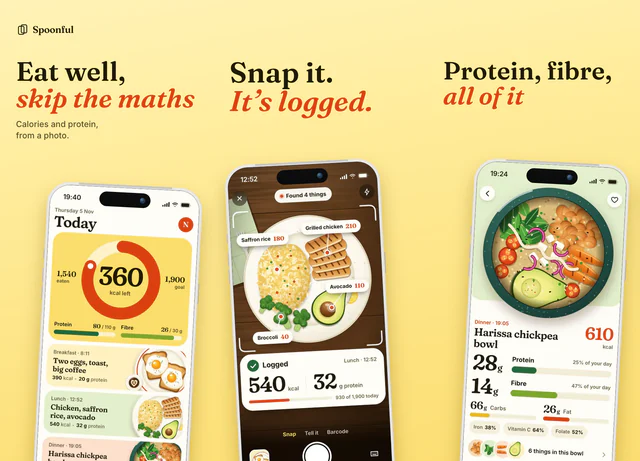 For food, nutrition and everyday habit apps
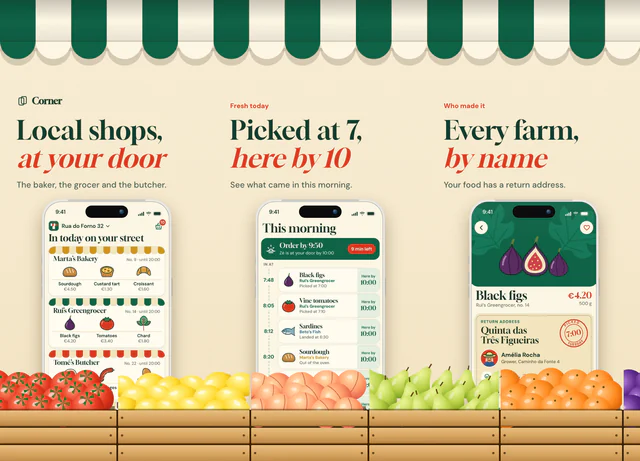 For shopping, groceries, delivery and local shops
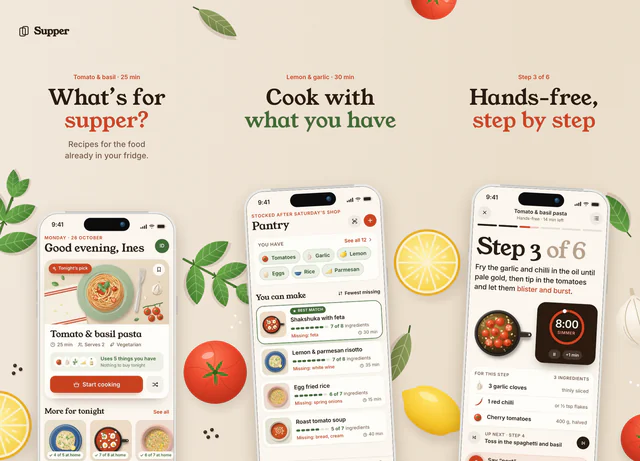 For recipes, cooking and meal planning
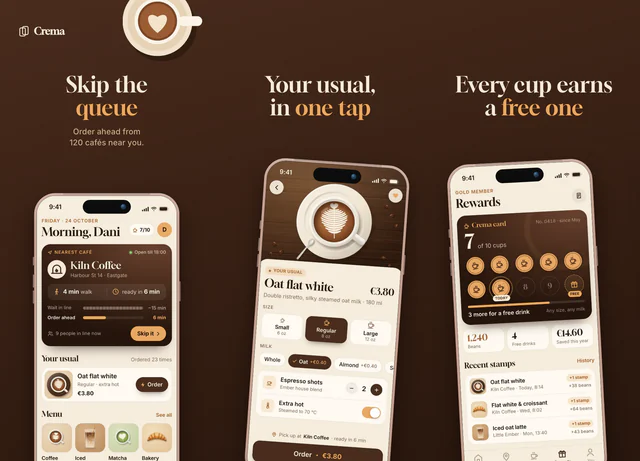 For coffee shops, ordering and food apps
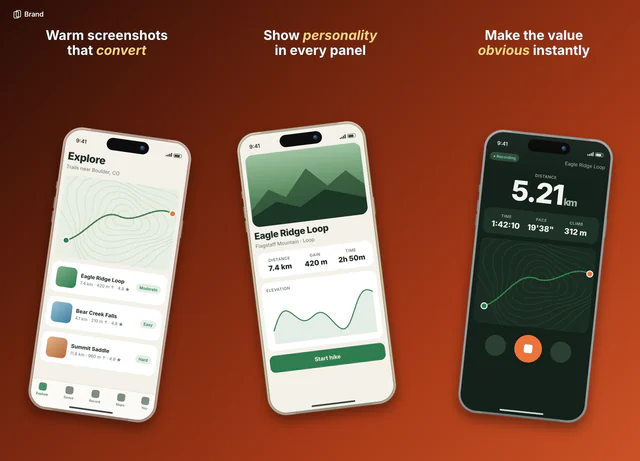 For warm, friendly consumer apps
Questions
Are these App Store screenshot templates free?
29 of them are free to use, and you don't need a card. On the free plan the first 3 slides of a set export clean. Pro costs $9 once and unlocks every template, with no watermark on any slide.
Do I need Figma or any design software?
No. Each template opens in the AppScreen editor in your browser. You drop in your screenshots, type your own headlines and export.
What are the phones showing?
Sample screens from apps we made up, so you can see the finished look. They're replaced as soon as you add your own screenshots, and they never appear in an export.
Do they export at the right App Store sizes?
Yes. An iPhone set exports at 1206 × 2622 per slide, as PNGs with no transparency, because App Store Connect rejects screenshots that have it.
Can I use them for Google Play?
Yes. Pick an Android size in the editor's toolbar and the template moves to it. Android phones export at 1080 × 1920.
Can I change the colors, fonts and layout?
Yes. Everything in a template is a layer you can edit: the text, the background, the phones and the drawings. It's a starting point, not a locked design.