Changelogv1.1
v1.1Latest
Free tools, blog and pricing
Eight free tools for your listing, a blog, and checkout without leaving the page.
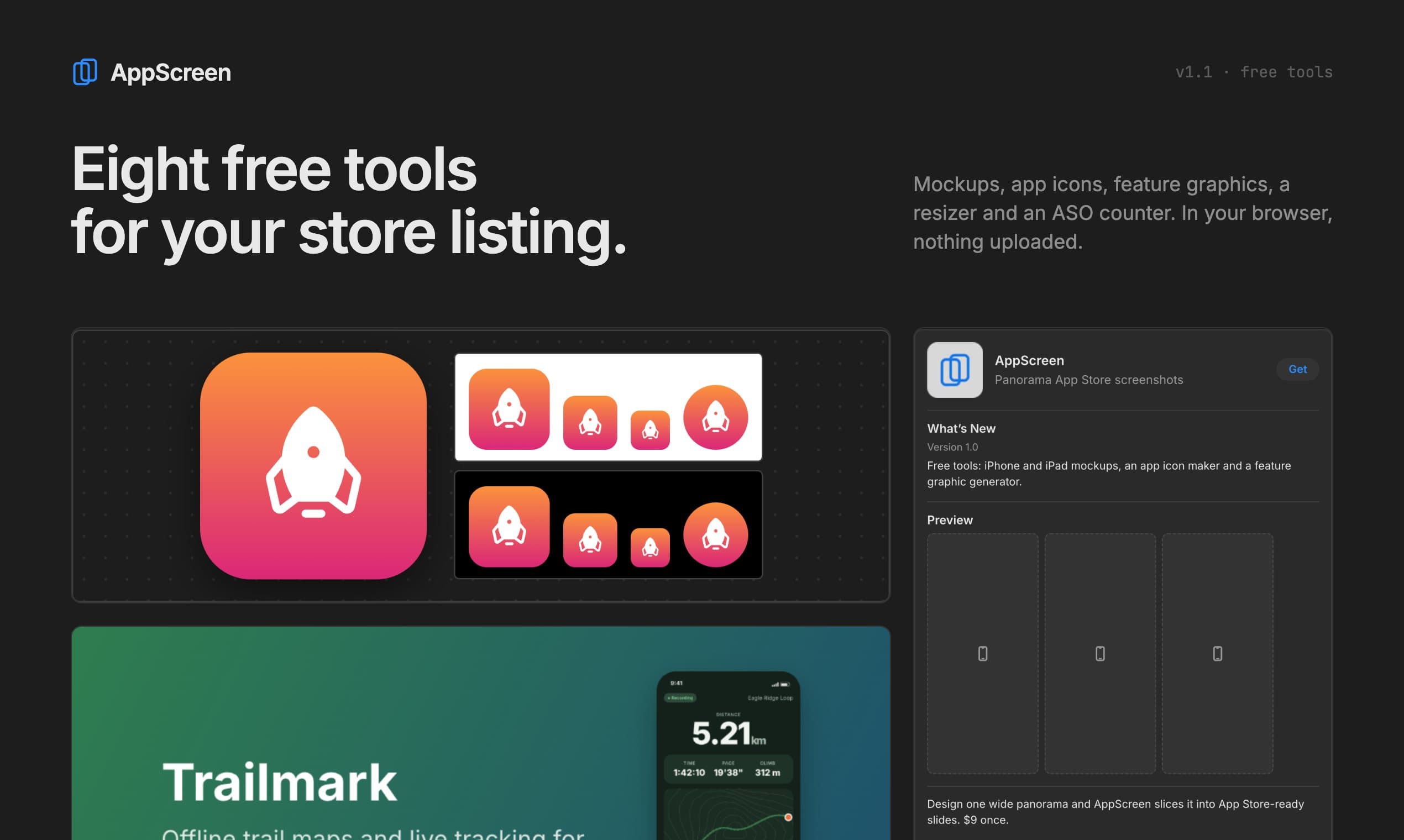
Most of the work around App Store screenshots happens outside the editor: an icon, a mockup for the website, a banner for Google Play, a subtitle that fits. This release puts those jobs on appscreen.pro as free tools.
Every tool runs in your browser and never uploads your files. Exports are opaque, so App Store Connect and Play Console accept them.
New8
- ToolsiPhone and iPad mockups with a transparent background.iPhone mockup
- ToolsApp icon maker: 116 glyphs, palettes, and every iOS and Android size.App icon maker
- ToolsApp icon generator: an Xcode icon set and Android mipmaps from one image.App icon generator
- ToolsGoogle Play feature graphics that follow Google’s layout rules.Feature graphic
- ToolsScreenshot resizer and panorama splitter for every App Store size.All tools
- ToolsASO tool: App Store checks and a preview of your listing.ASO tool
- BlogGuides and comparisons, with an RSS feed.Blog
- SitePricing page. Unlock Pro opens the editor’s checkout in place.Pricing
Improved1
- SupportContact form with topics and attachments, also in the site footer.
Fixed1
- ProThe Pro offer now says up to 10 slides, the App Store maximum.
App Store screenshots, designed as one panoramaFree: 3 projects, up to 5 slides, iPhone. Pro: $9 once, no subscription.