Changelogv1.4
v1.4Latest
Share links
Send anyone a link to your screenshots. They can view them and open their own copy.
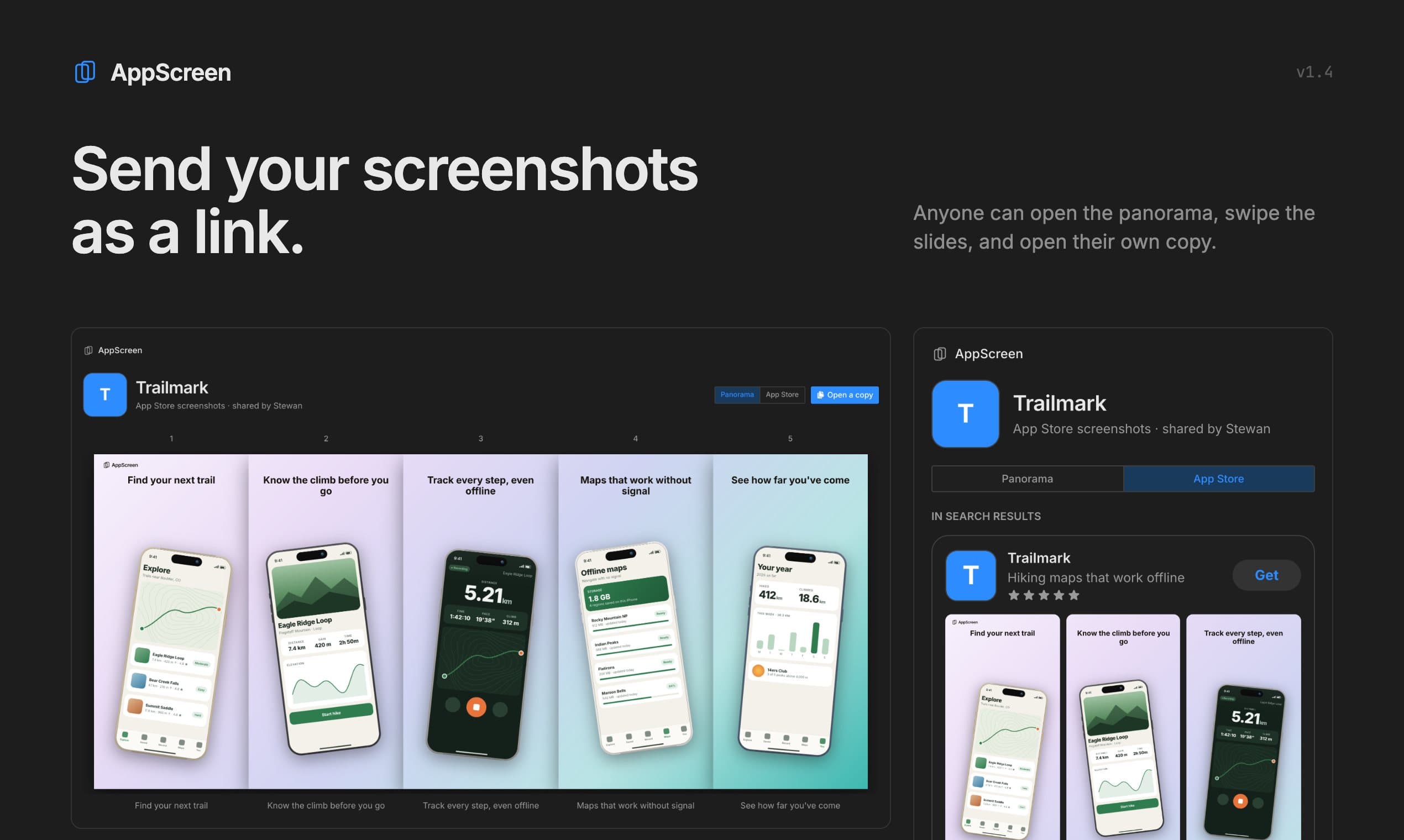
You can now send someone your screenshots as a link. They see the panorama and the slides as the App Store shows them, and can open their own copy to keep editing. They need no account to look.
Share links are part of Pro and work on cloud works. A link shows the version you shared until you update it, so reusing a work never changes a link you already sent. Search engines skip links unless you turn them on.
New11
- ProShare any cloud work as a link from the new Share button in the toolbar.Pricing
- SiteShared pages show the panorama and an App Store view, on desktop and phone.
- EditorOpen a copy puts a shared work in your own editor, no account needed.
- ProA link keeps the version you shared until you press Update link.
- ProNew link makes another link from the same work, each with its own counts.
- ProUpdate link warns before it turns one app's link into another app.
- ProThe Shared tab in your works lists each link with its opens and copies.
- ProEach link sets its own rules for copies, PNG downloads and search engines.
- SiteA Report link on every shared page goes straight to support.
- ExportOn Free, copies opened from a link carry the watermark on every slide.
- Agent28 new agent tools cover sharing, cloud, version history and trash.Agent setup
Fixed1
- AgentAgents now see every AppScreen prompt, not only the setup ones.
Store screenshots, designed as one panoramaFree: 3 projects, up to 5 slides, iPhone and Android phones. Pro: $9 once, no subscription.