Changelogv1.3
v1.3Latest
Android and Google Play
Make Google Play screenshots with Android phone and tablet sizes, frames and exports.
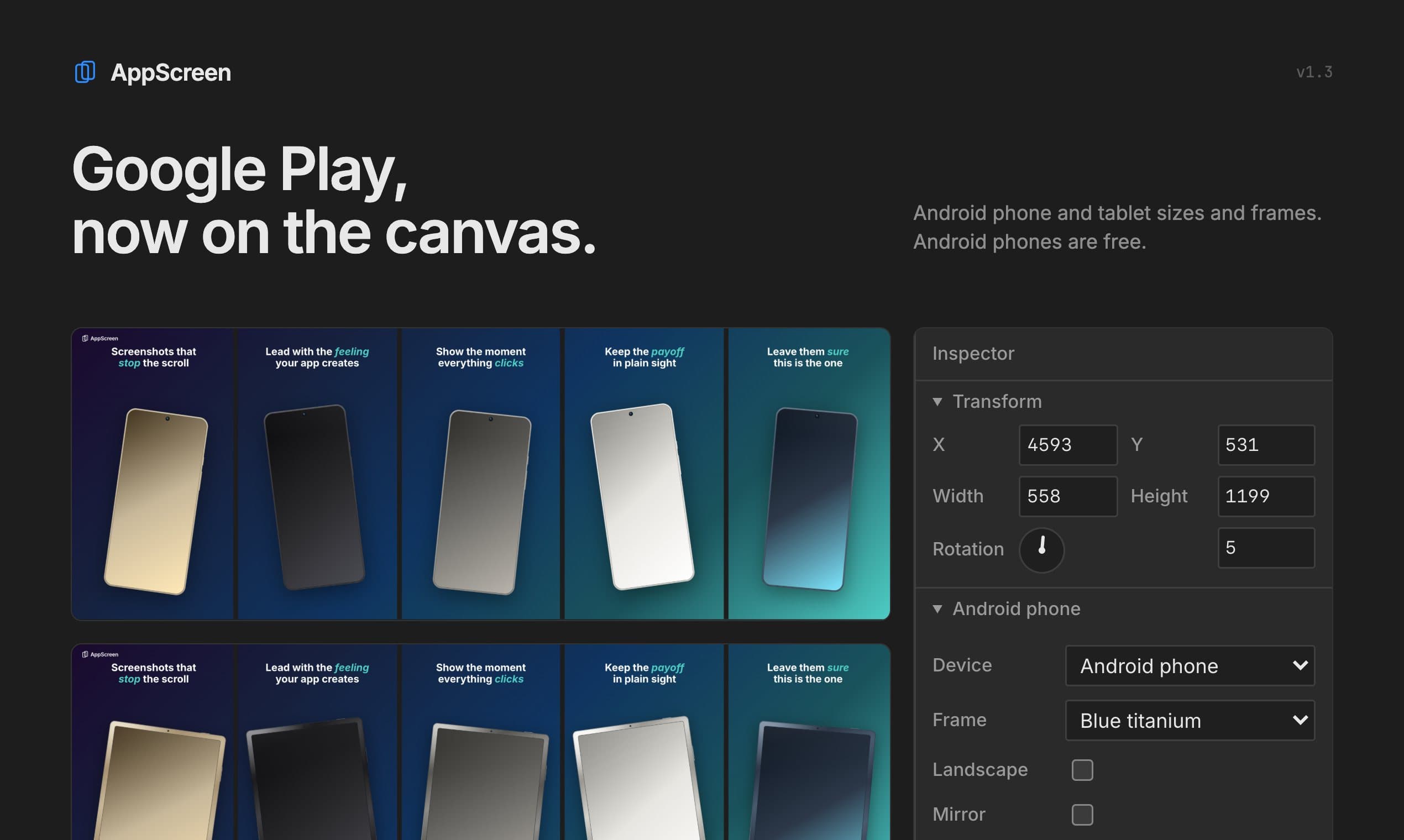
AppScreen made App Store screenshots. Now it makes Google Play ones too. Pick an Android size in the toolbar and the panorama switches to Play's 9:16 slides, with Android frames, ready for Play Console.
Android phones are free, the same as iPhone. Tablets are Pro, iPad and Android alike. Your existing works stay as they are.
New3
- EditorAndroid phone size: 1080×1920 slides for Google Play, up to 8 per set.
- EditorAndroid tablet size: 1440×2560 slides for Play's 7 and 10 inch tablet sections.
- EditorGeneric Android phone and tablet frames, in the same six finishes.
Improved6
- EditorThe Device menu lists every phone and tablet, grouped by store.
- EditorAdd phone and Add tablet add Android devices on an Android canvas.
- EditorThe start prompt offers nine presets; one click tries one on your canvas.
- EditorSwitching to Google Play with 9 or 10 slides says which ones are hidden.
- ProAndroid phones are free. Tablet sizes and frames, iPad and Android, are Pro.Pricing
- AgentAgents can switch to the Android sizes and add Android devices.Agent setup
Fixed2
- EditorPicking a preset keeps your canvas size instead of switching to iPhone.
- ExportExported PNGs no longer carry an alpha channel, which both stores reject.Play sizes guide
Store screenshots, designed as one panoramaFree: 3 projects, up to 5 slides, iPhone and Android phones. Pro: $9 once, no subscription.